
Table of Contents
Banner images are the 4 main large images on the home page of your site.

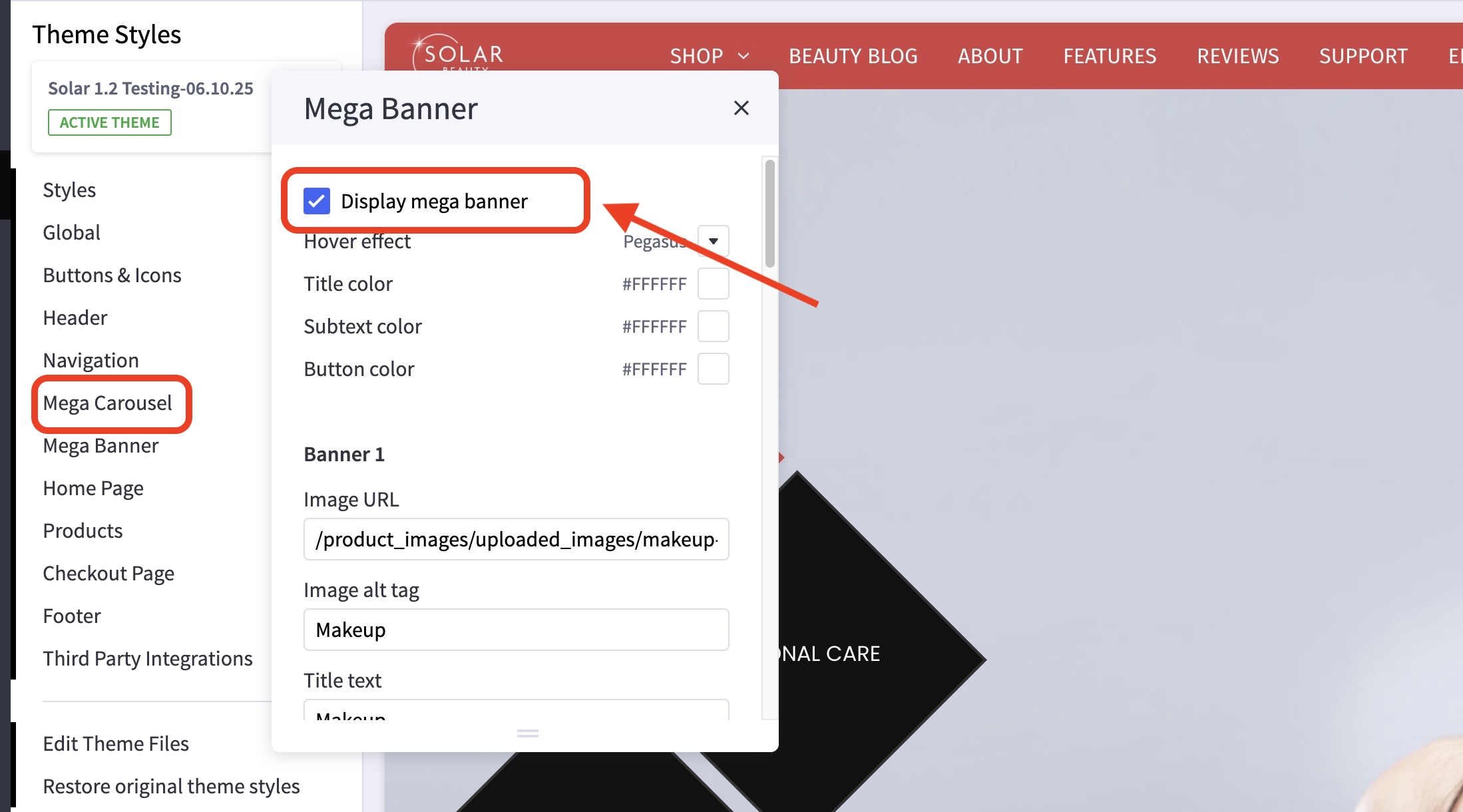
How do I turn on / off the Mega Banner? #
- In the theme customizer, go to the Mega Banner section.
- Check/Uncheck Display mega banner to toggle it on/off.
In what order are my banners displayed? #
Banners are numbered top to bottom, left to right. See image below.

How do I change my banner images, links and title? #
- In the theme customizer, go to the Mega Banner section.
- Scroll down to the correct image slot number and change the image URL, link, or alt tag.
- Images are loaded in the BigCommerce image manager using partial filepaths.
Click here to view our guide on how to use Partial Filepaths. - If you don’t want to display a specific banner, leave the Image URL blank.

What size should my banner images be? #
Recommended dimensions: #
- Banner 1: 1400×400 pixels
- Banners 2 and 3: 800×800 pixels
- Banners 4: 1400×800 pixels


