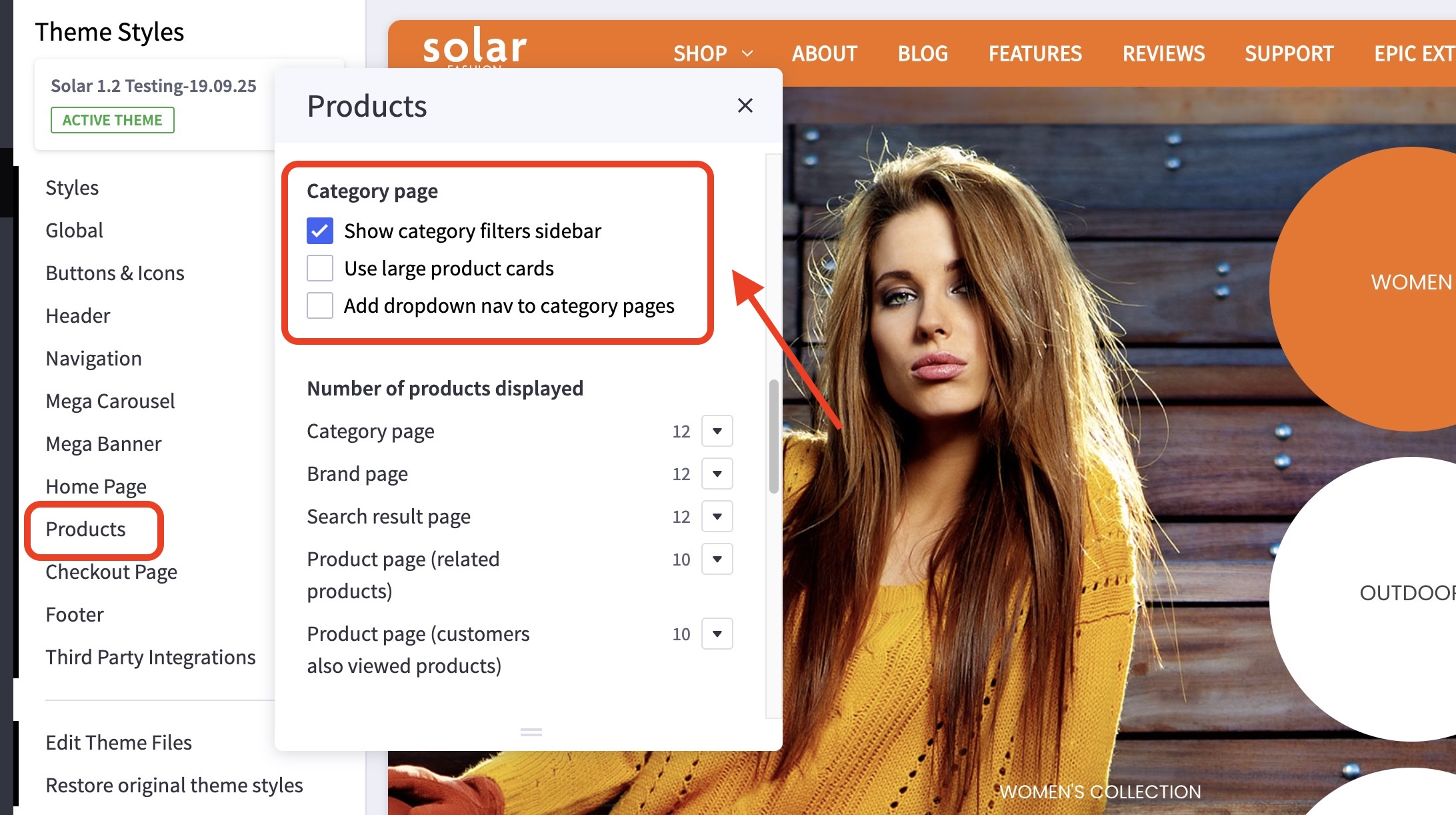
On this page
Control the settings for your product pages
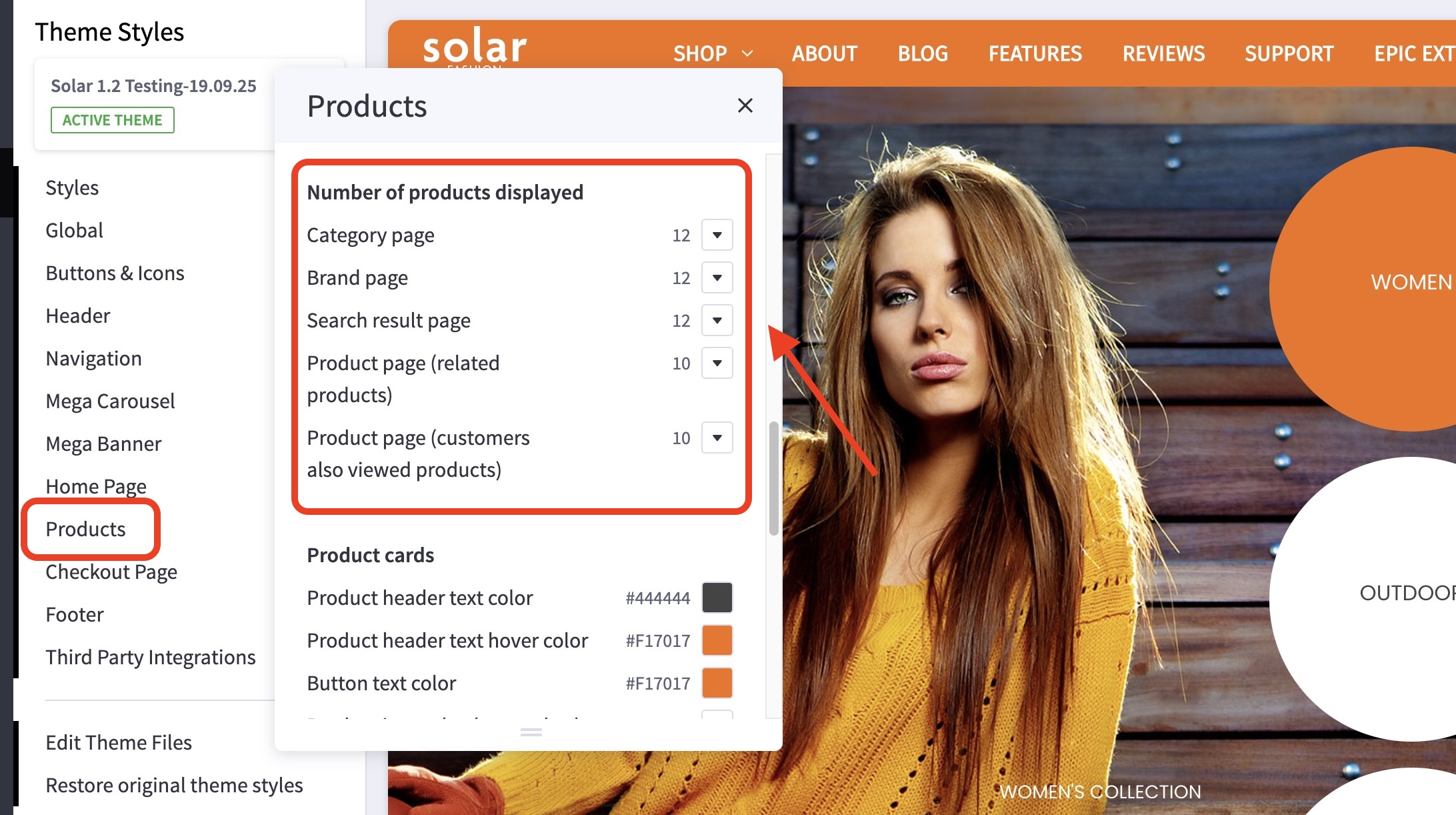
Where do I find these product settings? #
- In the theme customizer, go to the Products section.
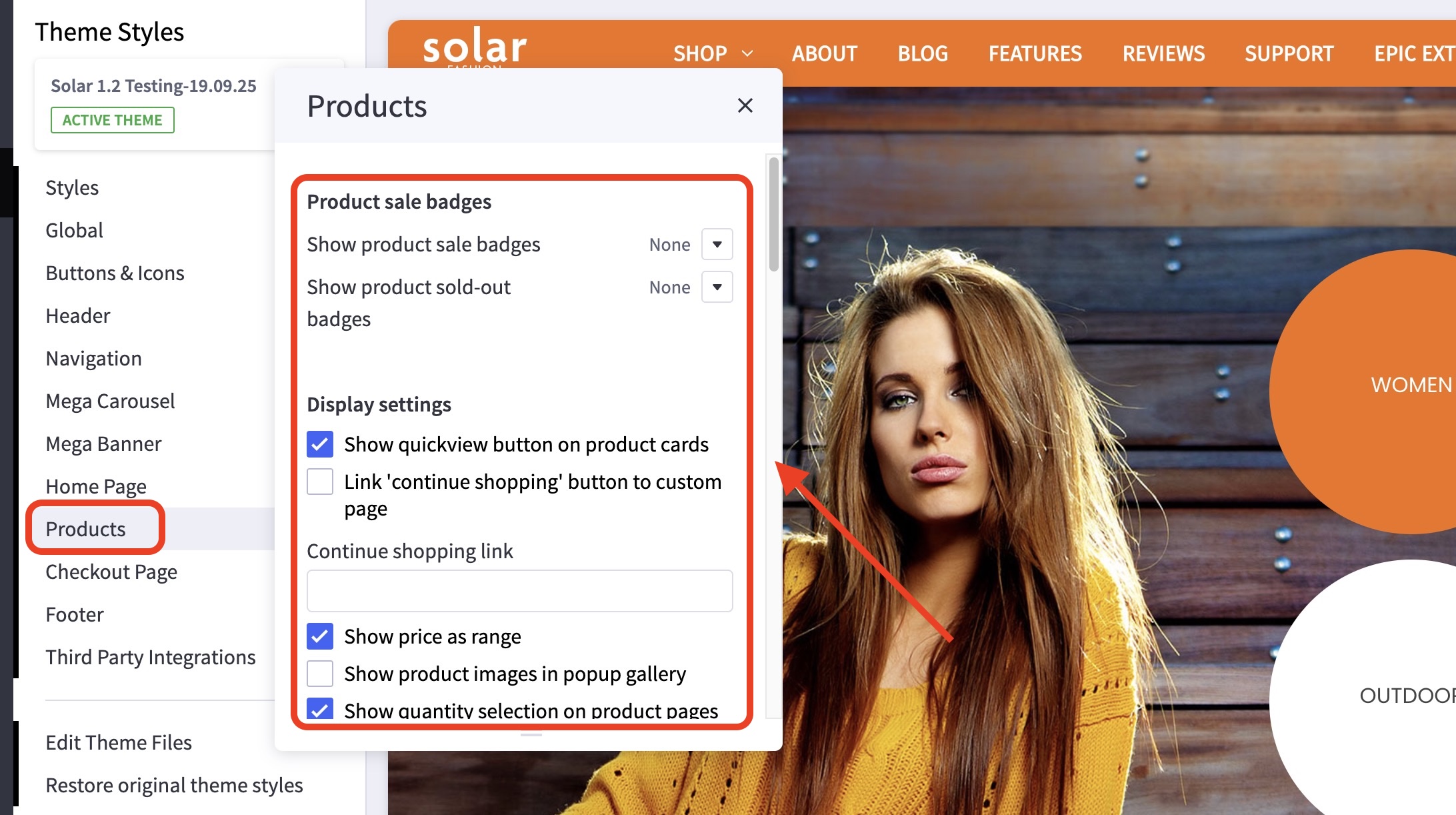
What customizations are available on the product page? #
Several options are available to customize the function and display of the product page.
- You can customize the link where the “continue shopping” button leads after a product is added to the cart.
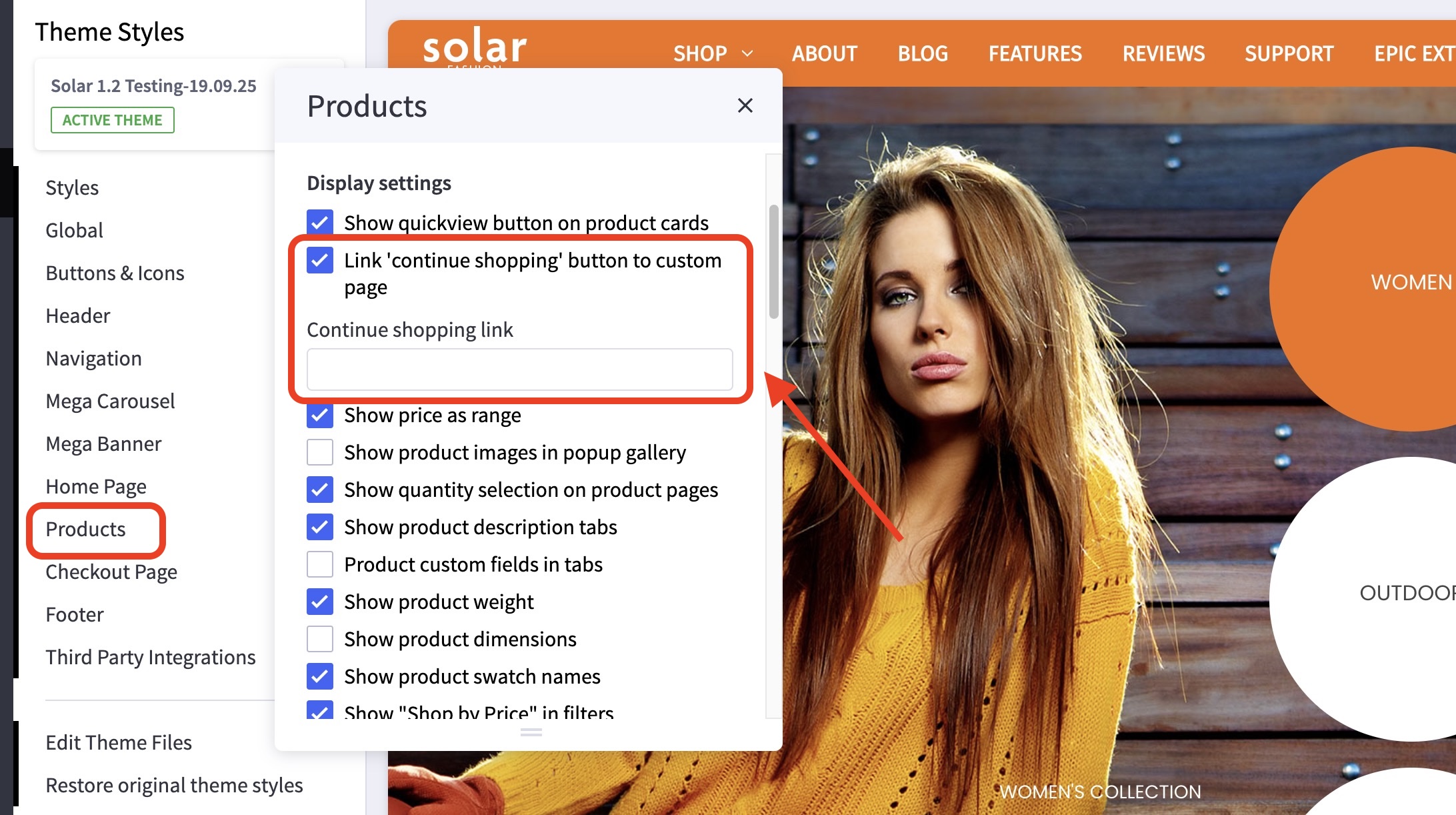
- Show product description tabs.

- Control the number of products displayed.
What customizations are available on the category pages? #
You can select to display the product price as a range to include more expensive options.
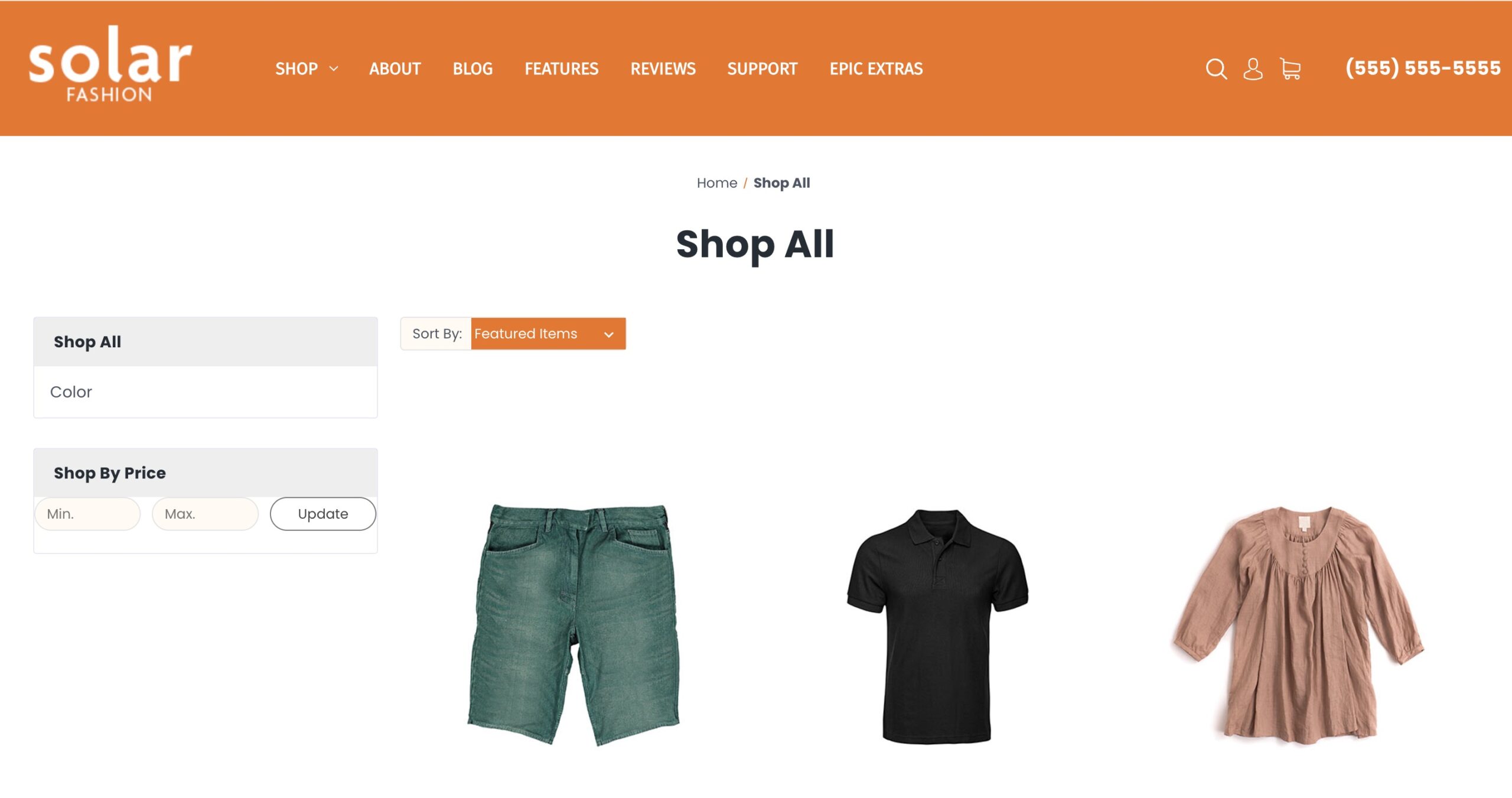
You can also restrict the width of the product card display, show sub-categories as a sidebar or a dropdown menu, display larger product cards, show product reviews in tabs, etc.