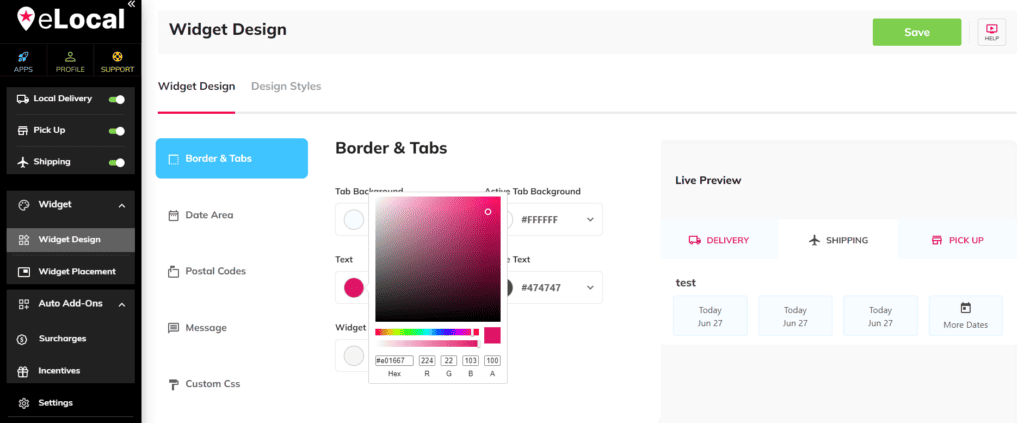
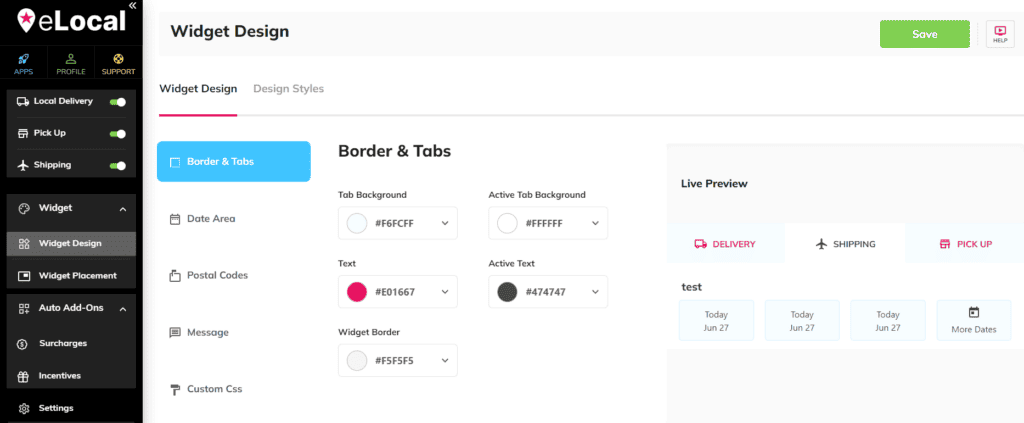
- Go to the Widget Design on the left sidebar
- Click each section to view available customizations.
- You can select from the 5 presets by clicking the buttons under Design Styles.
- Click the color selector under each option. You can use the color selector or type in the Hex color code.