Table of Contents
Change your logo settings for the header
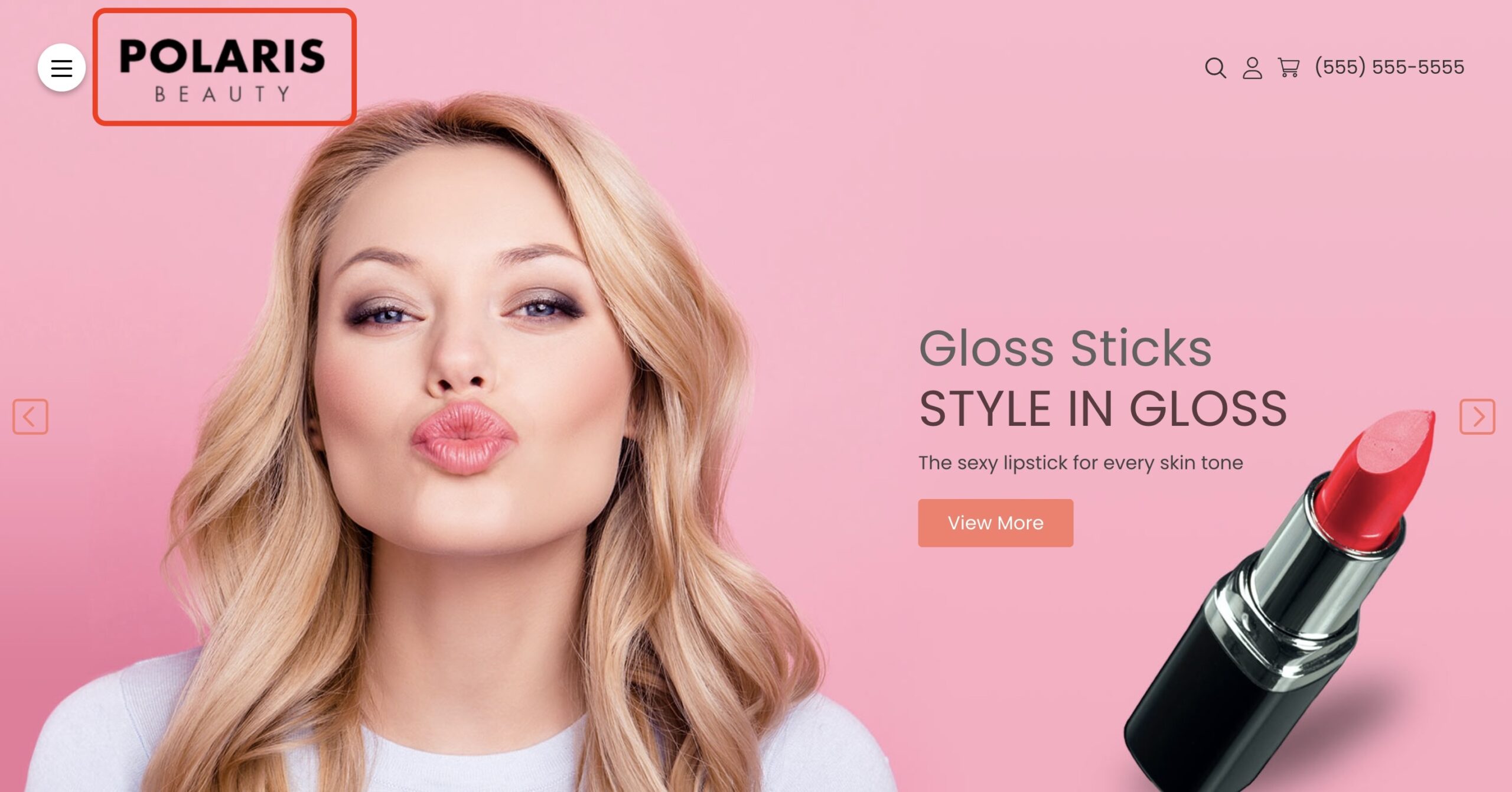
How do I change my store logo image? #
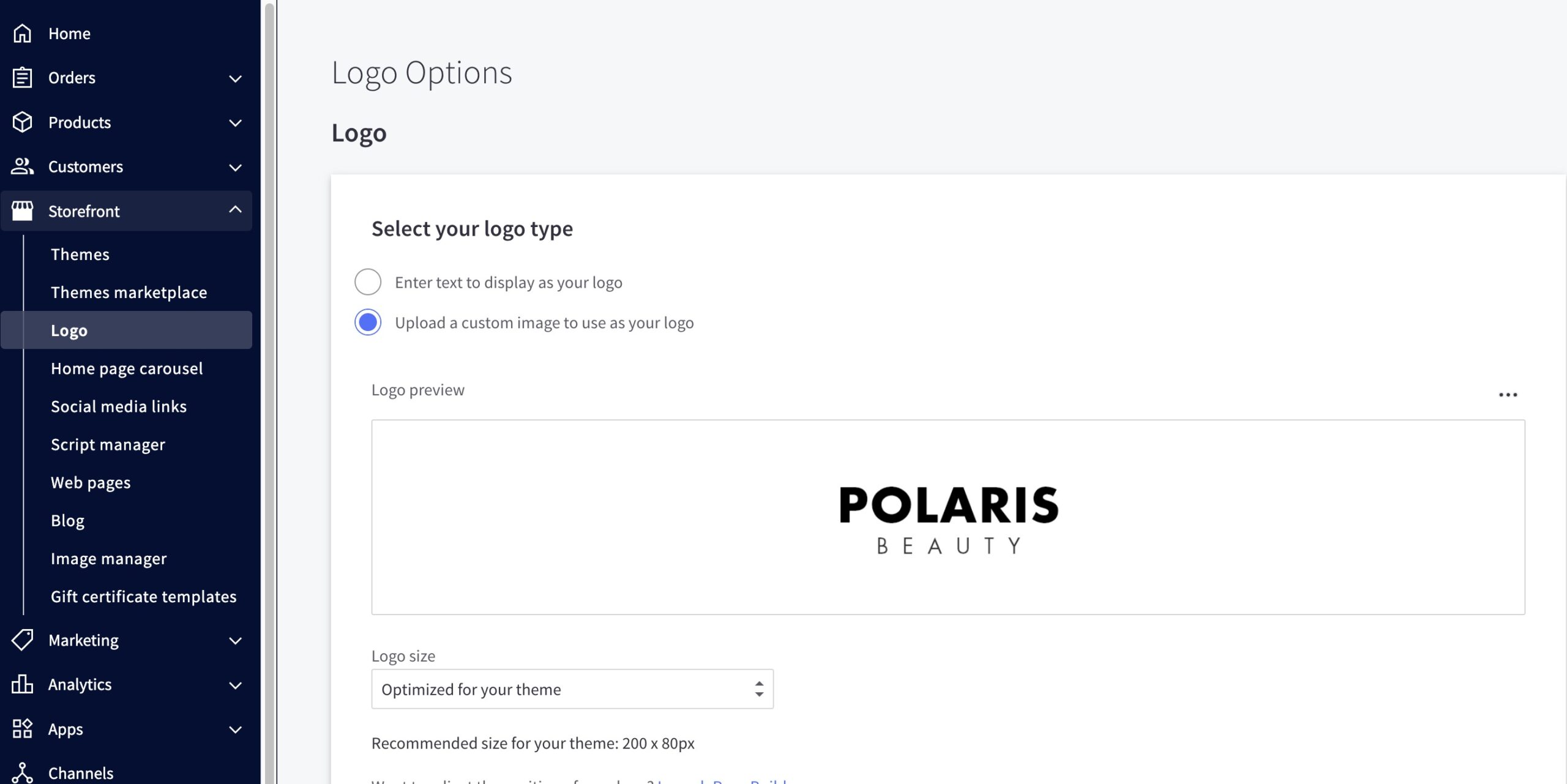
- From the BigCommerce dashboard, go to Storefront > Logo
- Select Upload a custom image to use as your logo > upload your logo.
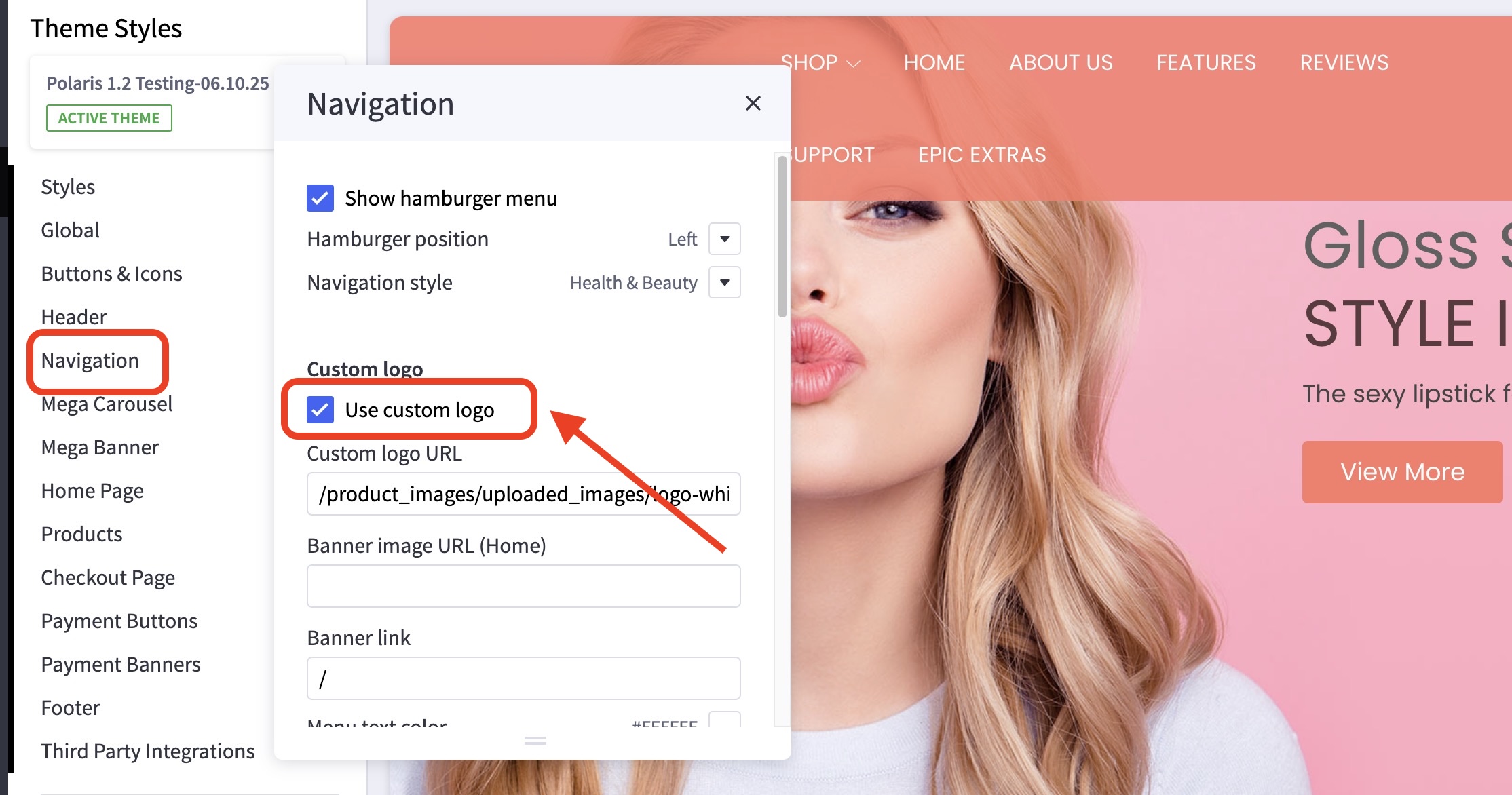
You can also change the logo of your Hamburger Menu by going to the Theme Customizer and then to Navigation > Custom logo.
For the footer logo, kindly go to Footer > Footer Banner.

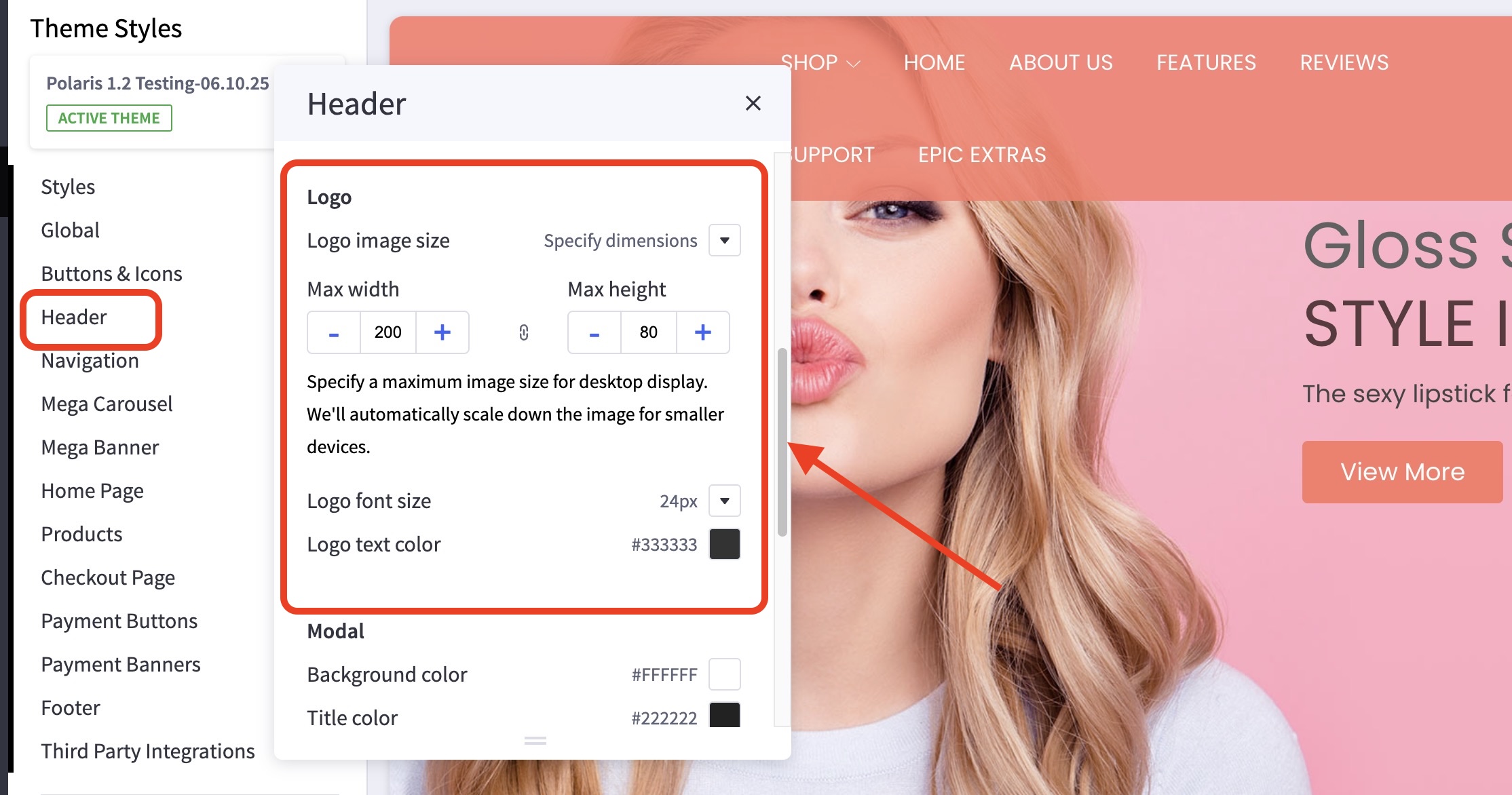
How can I change the size of the logo? #
- In the theme customizer, go to the Header section.
- Scroll down to the Logo subsection to adjust your logo display settings.
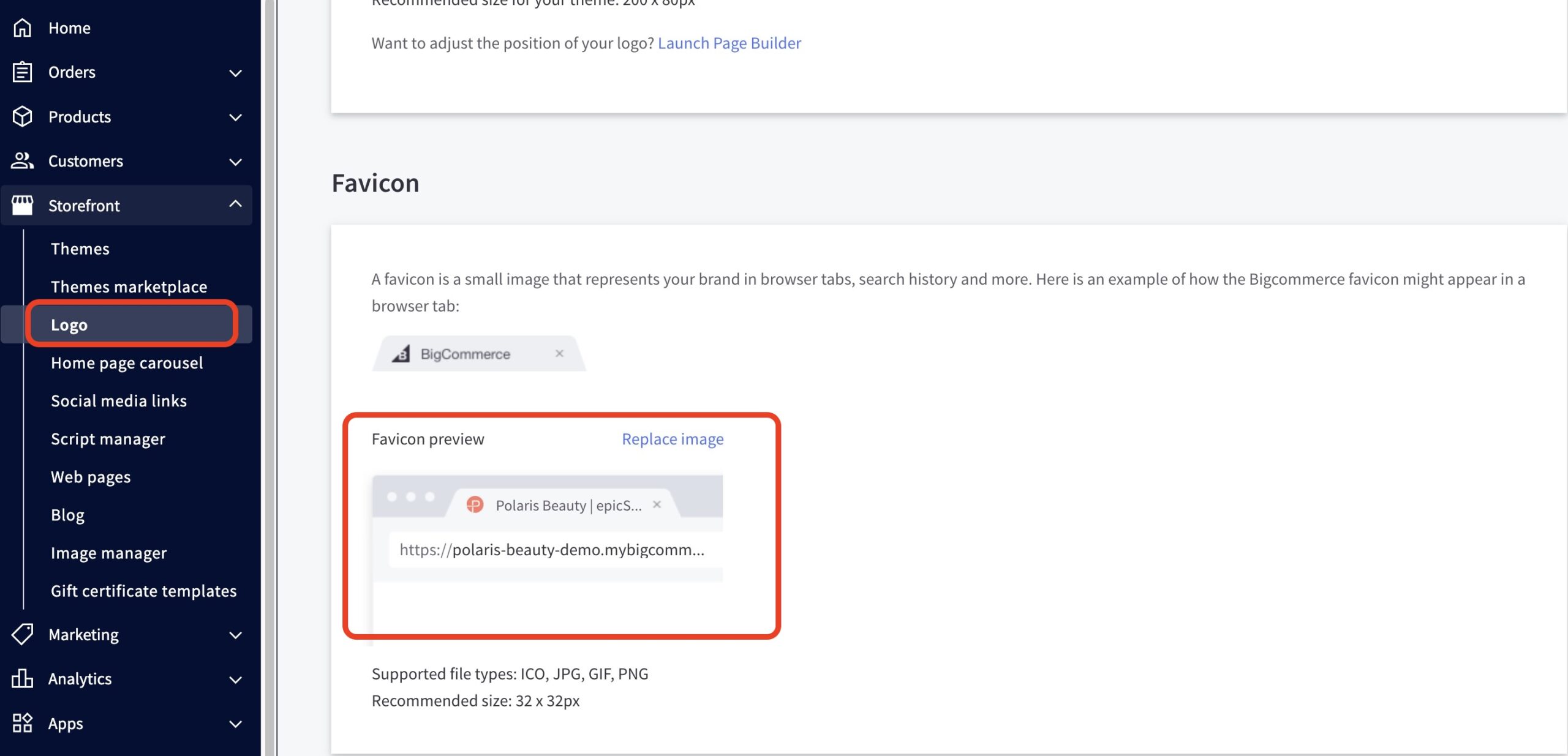
How do I change the favicon in the browser tab? #
- From the BigCommerce dashboard, go to Storefront > Logo.
- Scroll down to the Favicon section > upload your logo.