How do I access the BigCommerce dashboard? #
- Go to your store URL /manage. For example, mystore.com/manage.
- Log in using the credentials you set when you created the store.
How do I access the theme customizer? #
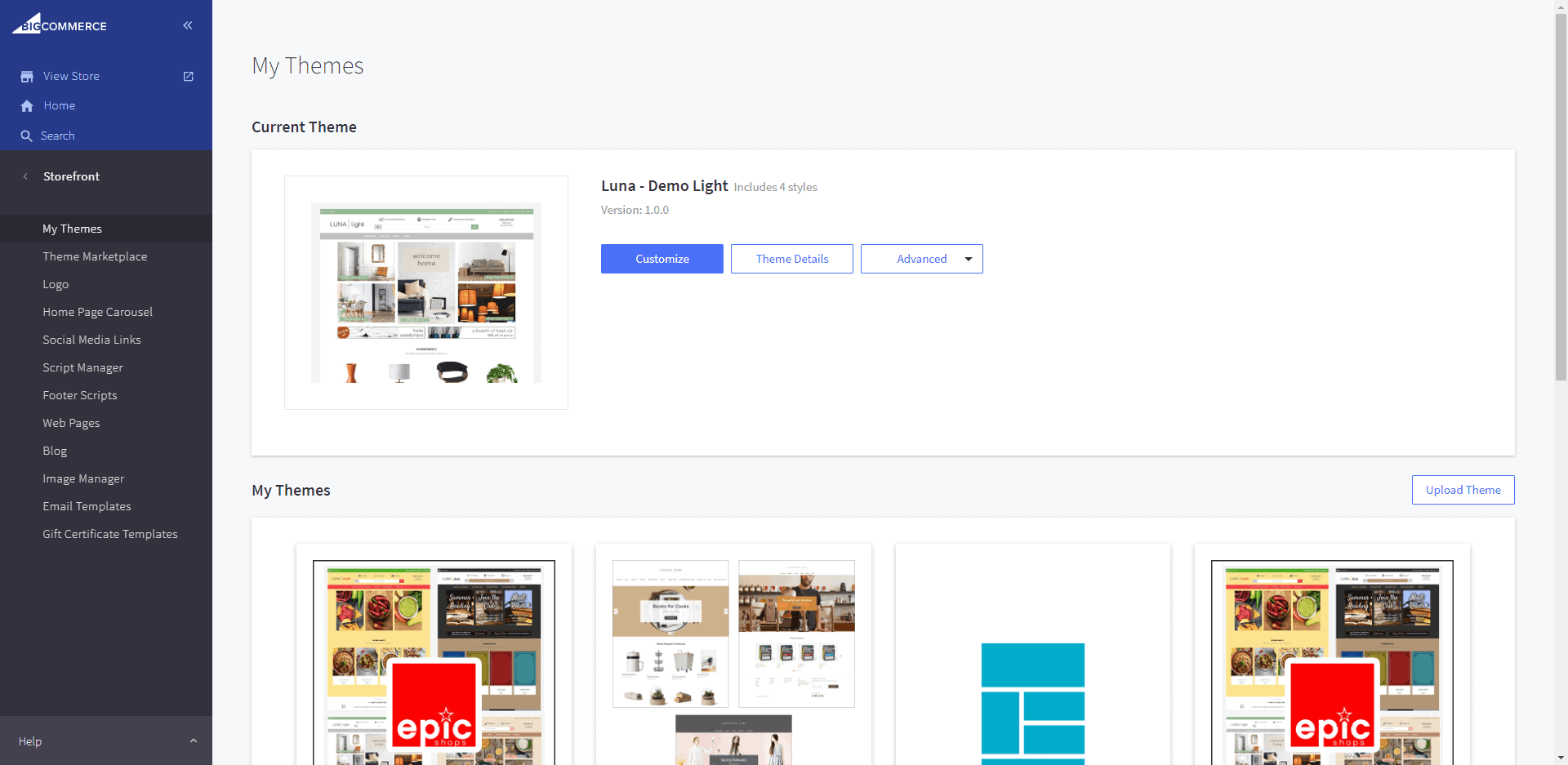
- In the BigCommerce dashboard, from the menu on the left, select Storefront > My Themes.
- If the theme is applied, click the blue button labeled Customize.
- If not, scroll down to your theme library to find the theme, click the 3-dot menu button, and select Customize from the drop-down menu.