
Table of Contents
Styling and extra content for the main dropdown menu
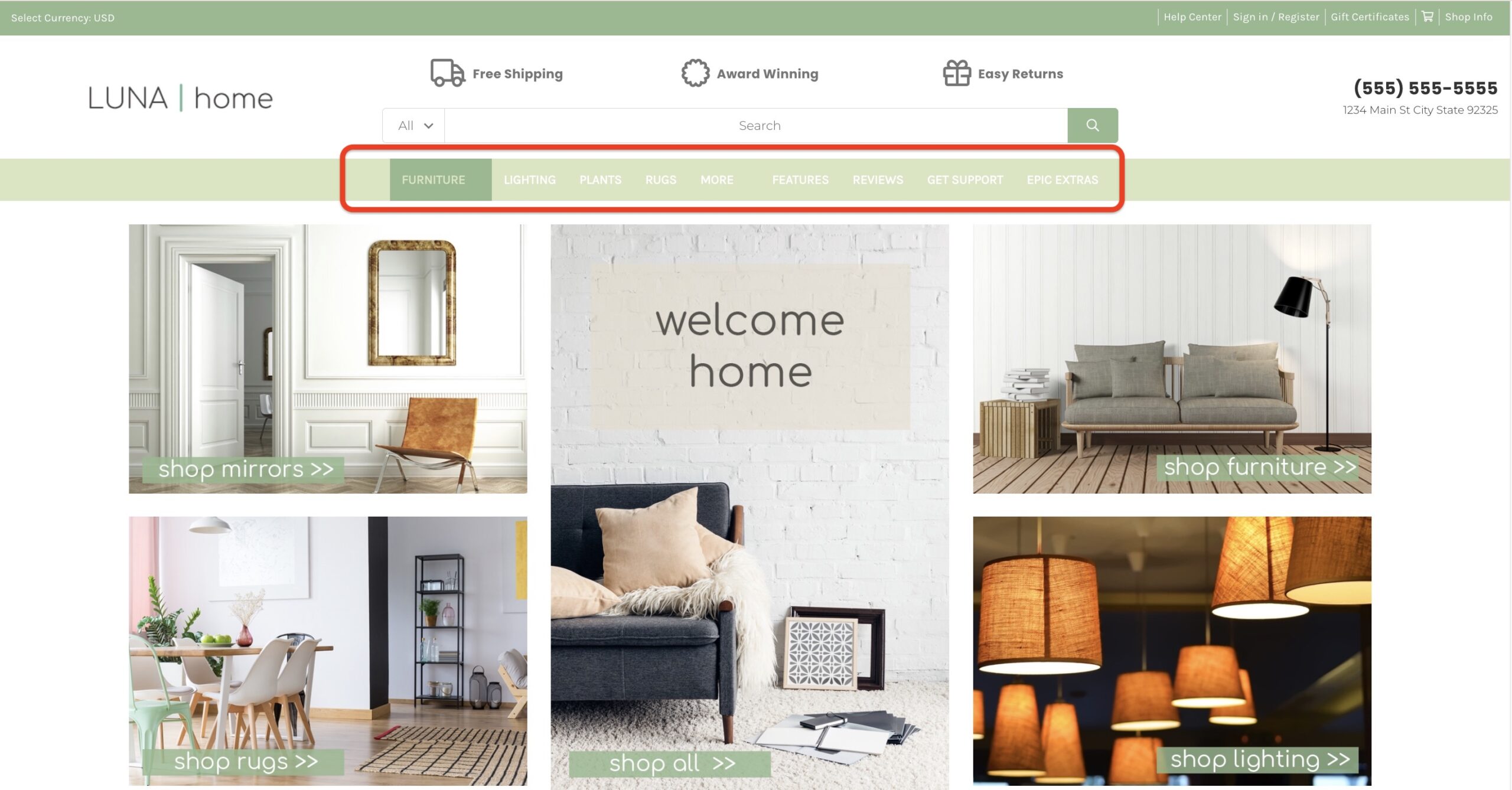
How do I change the colors or fonts for the main dropdown menu? #
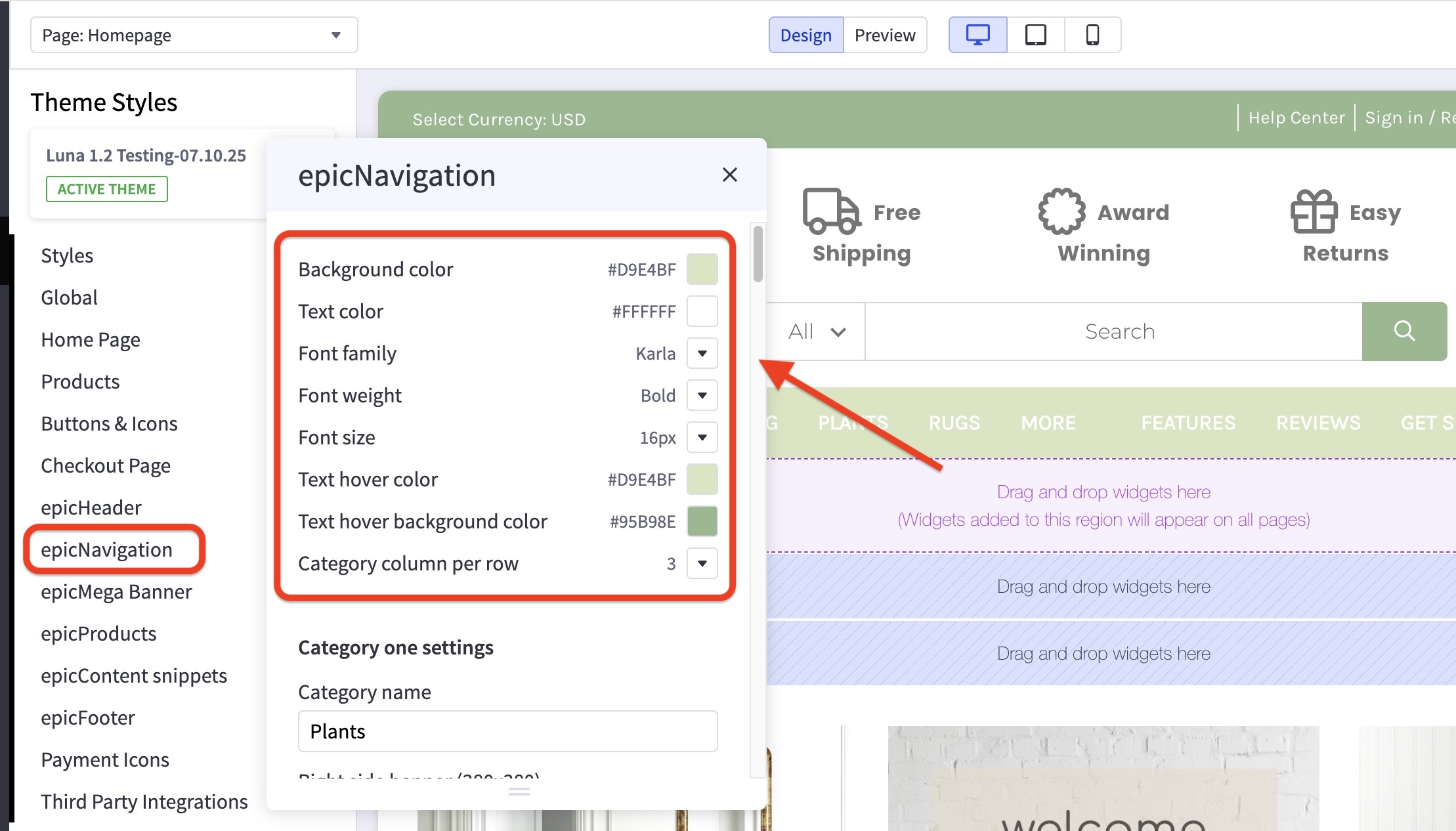
- In the theme customizer, go to epicNavigation section.
- Select the colors, fonts, and hover colors to use for the text.
How do I set up or change the images in the main menu dropdown? #
- In the theme customizer, go to epicNavigation section.
- Select the top-level product category for which you’d like to edit the menu.
- Match the product category name exactly (including caps, spaces, etc), and input the image URL as well as the link where you’d like the image to lead. This is available for both the right side, as well as the bottom of the menu.


