
On this page
Interactive image and text boxes above the footer

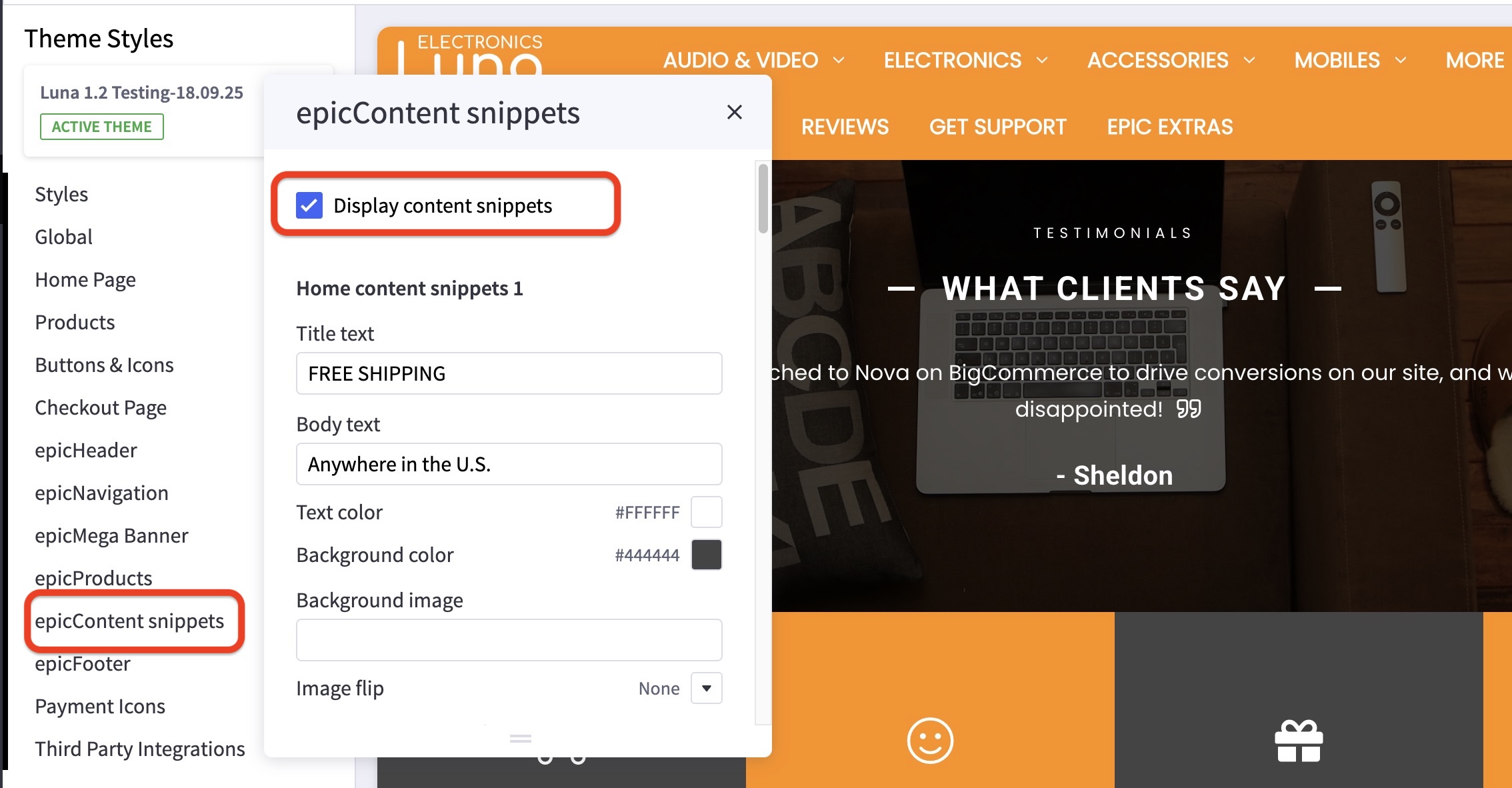
How can I turn the content snippets on or off? #
- In the theme customizer, go to epicContent snippets section.
- Uncheck the box for Display content snippets.
How do I change the content of these snippets? #
- In the theme customizer, go to epicContent snippets section.
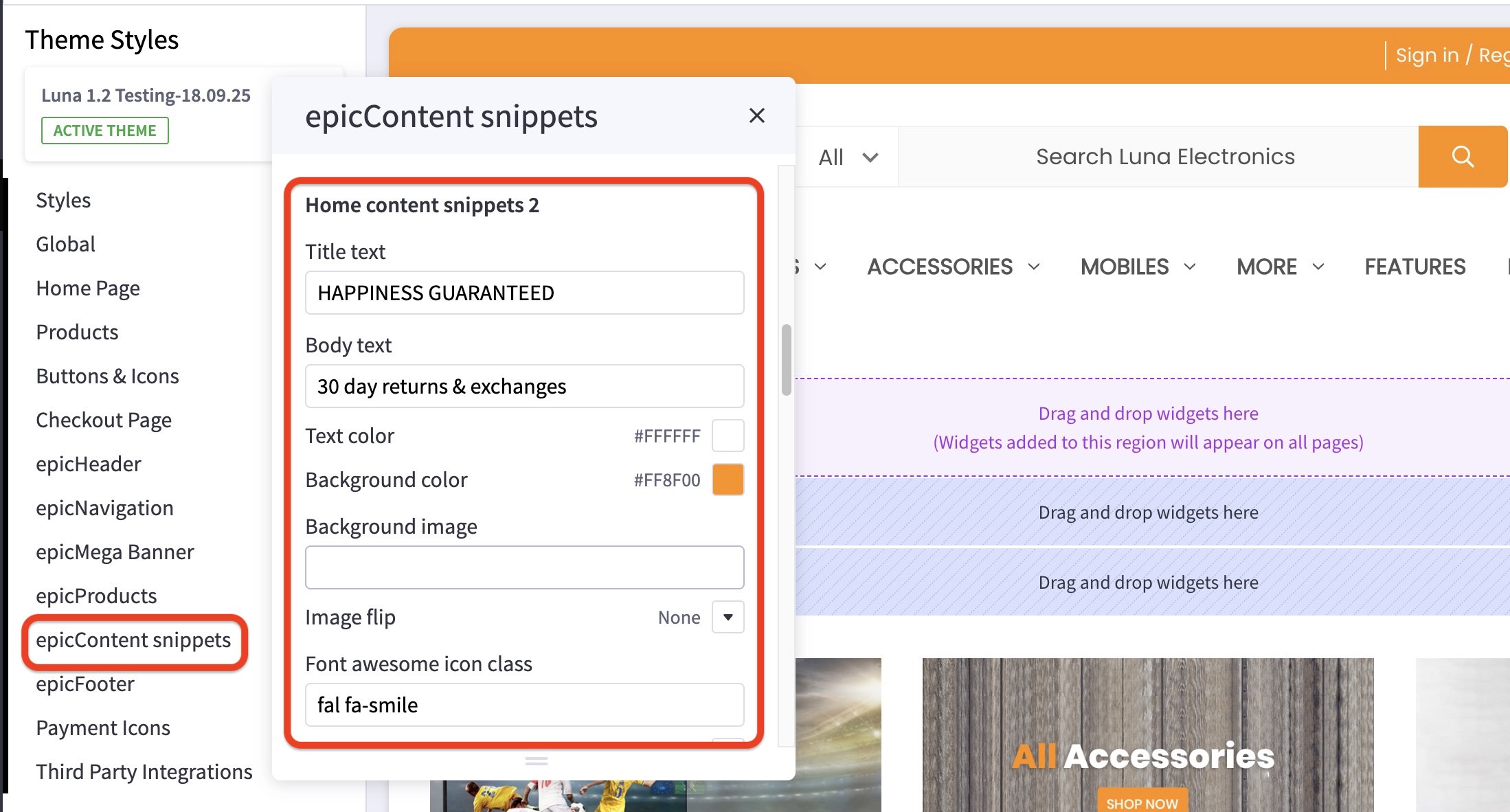
- Scroll to the snippet you’d like to edit (numbered 1-4, left to right).
- In the appropriate box, edit title text, body text, text and background color, background image, the image flip direction if desired, your font icon, position, and size, and the attributes of your button if desired.
- Images are loaded in the BigCommerce image manager using partial filepaths.
Click here to view our guide on how to use Partial Filepaths.
Only put in the class name. e.g. fas fa-bell not including the tags.
Where do I find different icons to display? #
The icon library may be found here: https://fontawesome.com/icons/


