
Table of Contents
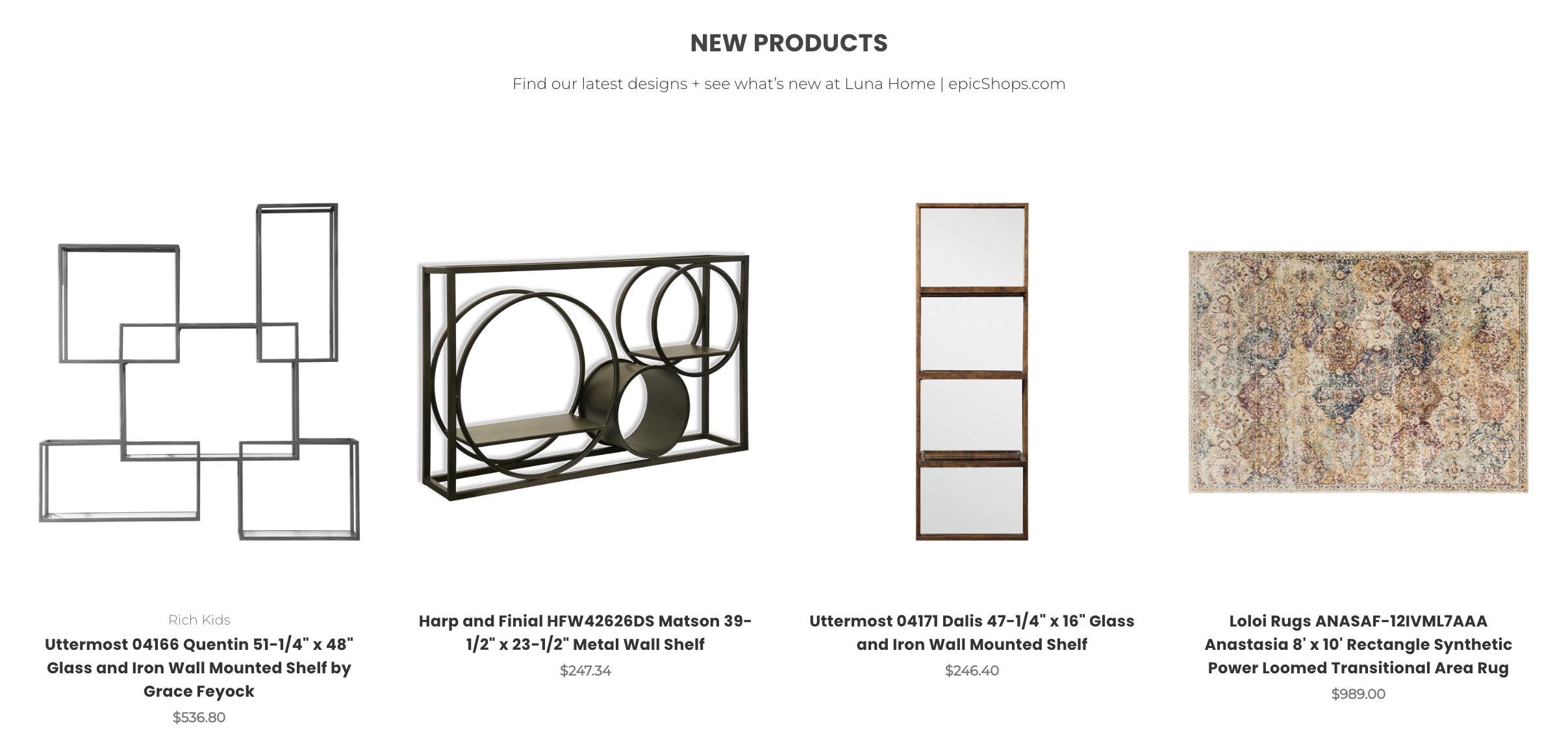
Section of newly added products displayed on the home page
How are new products selected? #
These are automatically chosen based on your most recently added products, they cannot be manually selected.
If you’re intending to display only certain products, check out Featured Products.
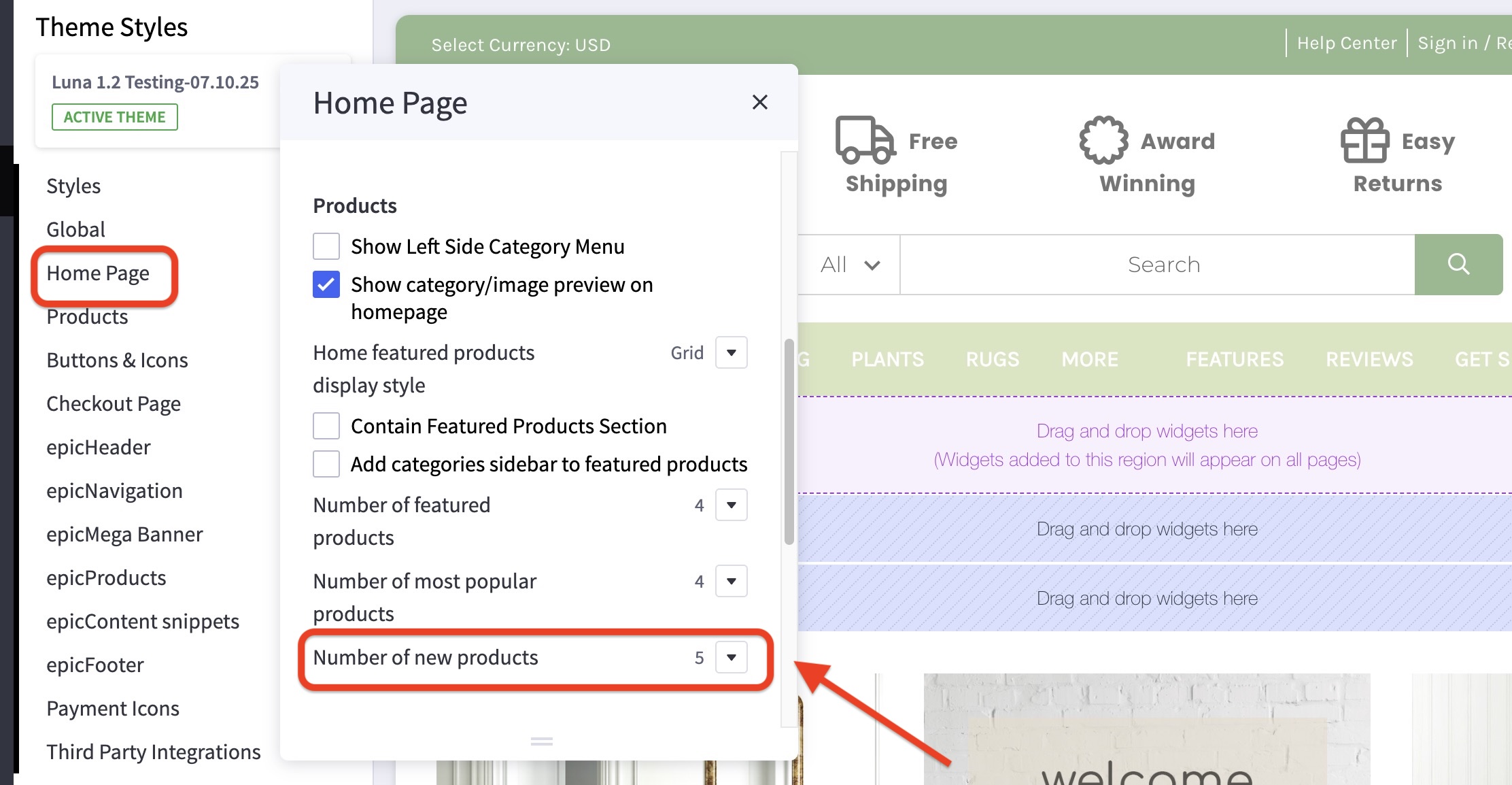
How do I change the number of new products? #
- In the theme customizer, go to the Home Page section and scroll down to the Products subsection.
- Select how many new products you’d like to feature from the dropdown menu.
How can I hide the new products section? #
- In the theme customizer, go to the Home Page section and scroll down to the Products subsection.
- Select disable from the new products dropdown menu.


