
Table of Contents
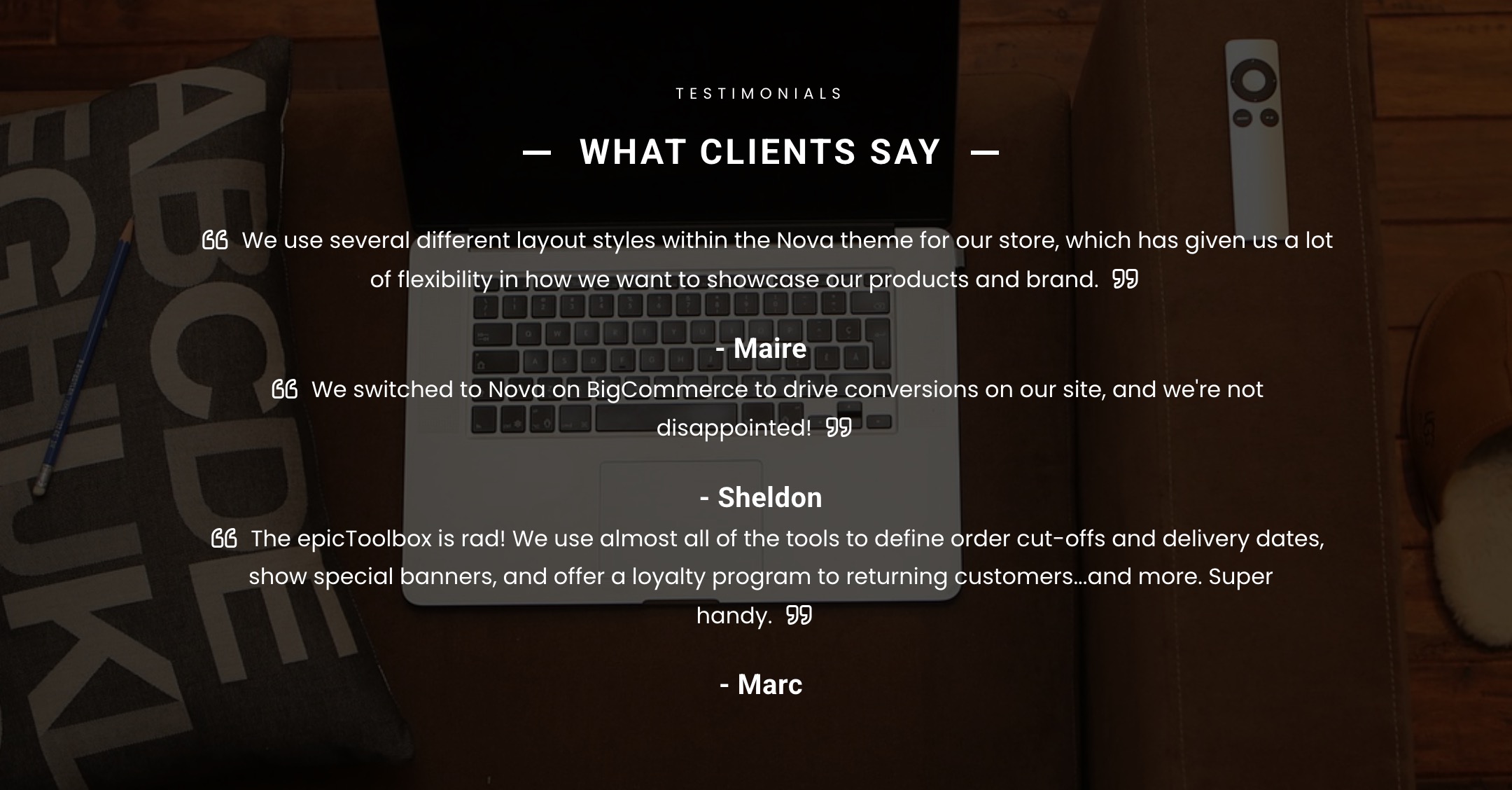
Customer feedback and reviews on the home page

How do I add testimonials? #
- Testimonials are loaded in the BigCommerce dashboard under the Marketing > Banners.
- The banner content should be the testimonial itself, the banner should be shown on the home page, always displayed, visible, at the bottom of the page.

Can I add images to testimonials? #
Absolutely! You can insert an image into the banner. We do recommend using 60×60 pixel images for this.
How can I change the background image? #
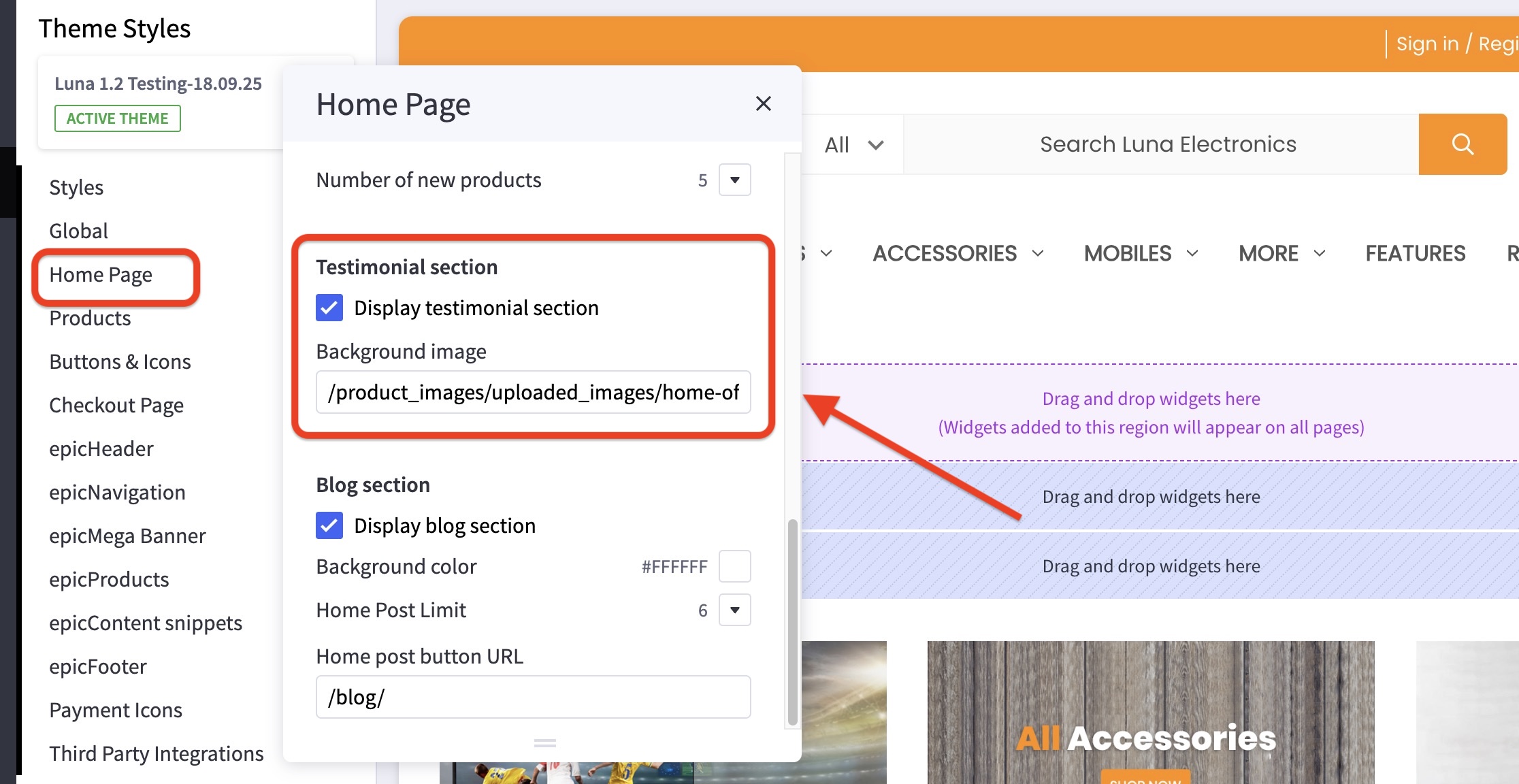
- In the theme customizer, go to the Home Page section and scroll down to the Testimonial subsection.
- Insert the partial file path (usually used to specify the location of files over the internet) for the image in the text box provided.
Guide for getting the partial file path: Click here!
How can I hide the testimonials section? #
- In the theme customizer, go to the Home Page section and scroll down to the Testimonial subsection.
- Uncheck the box for Display testimonial section.


