Table of Contents
Change the image and text displayed immediately above the footer

How can I turn the banner above the footer off? #
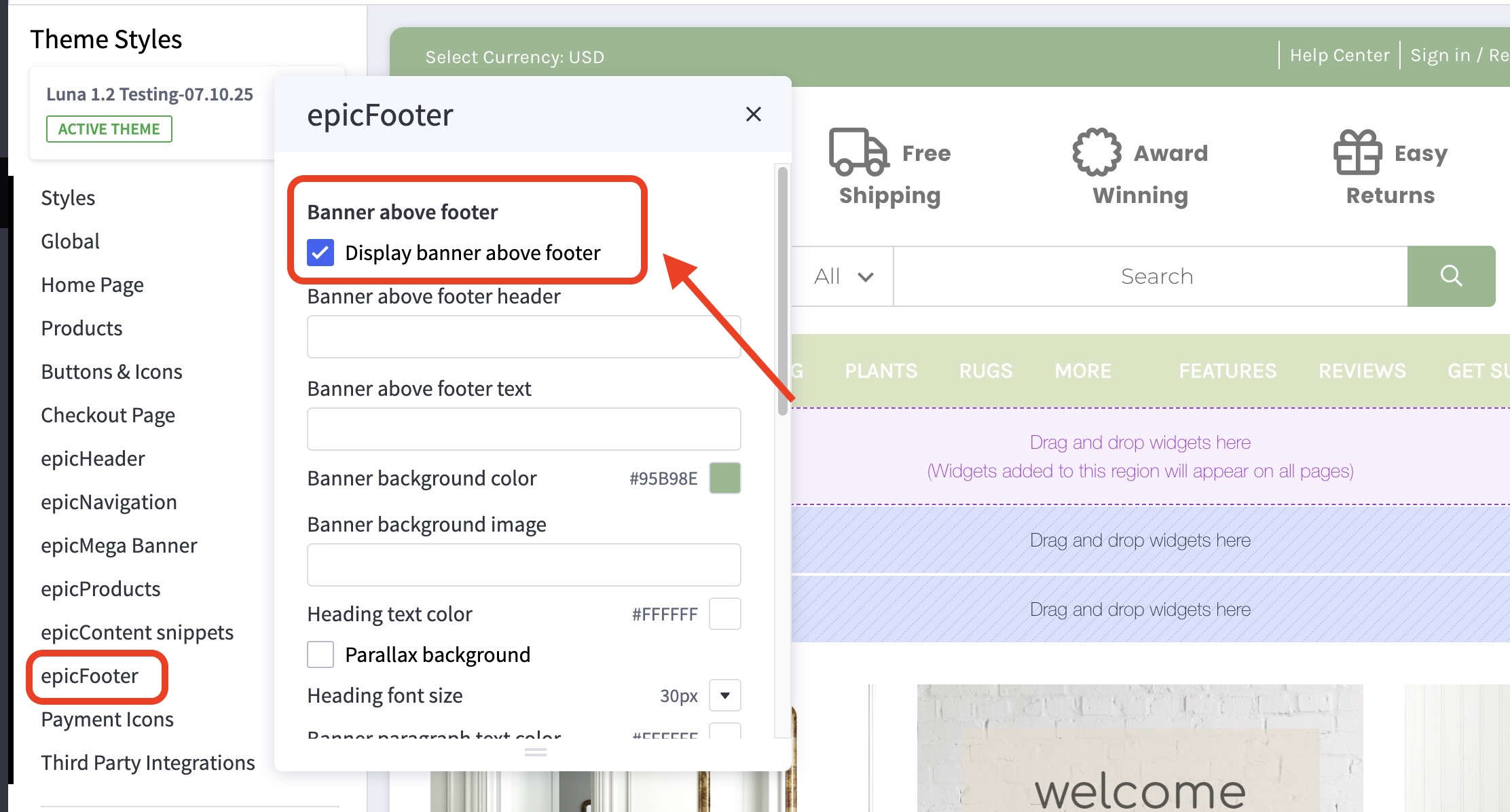
- In the theme customizer, go to the epicFooter section.
- In the first Banner above footer subsection toggle the checkbox labelled Display banner above footer.
How can I switch between a parallax image, still image, or solid color? #
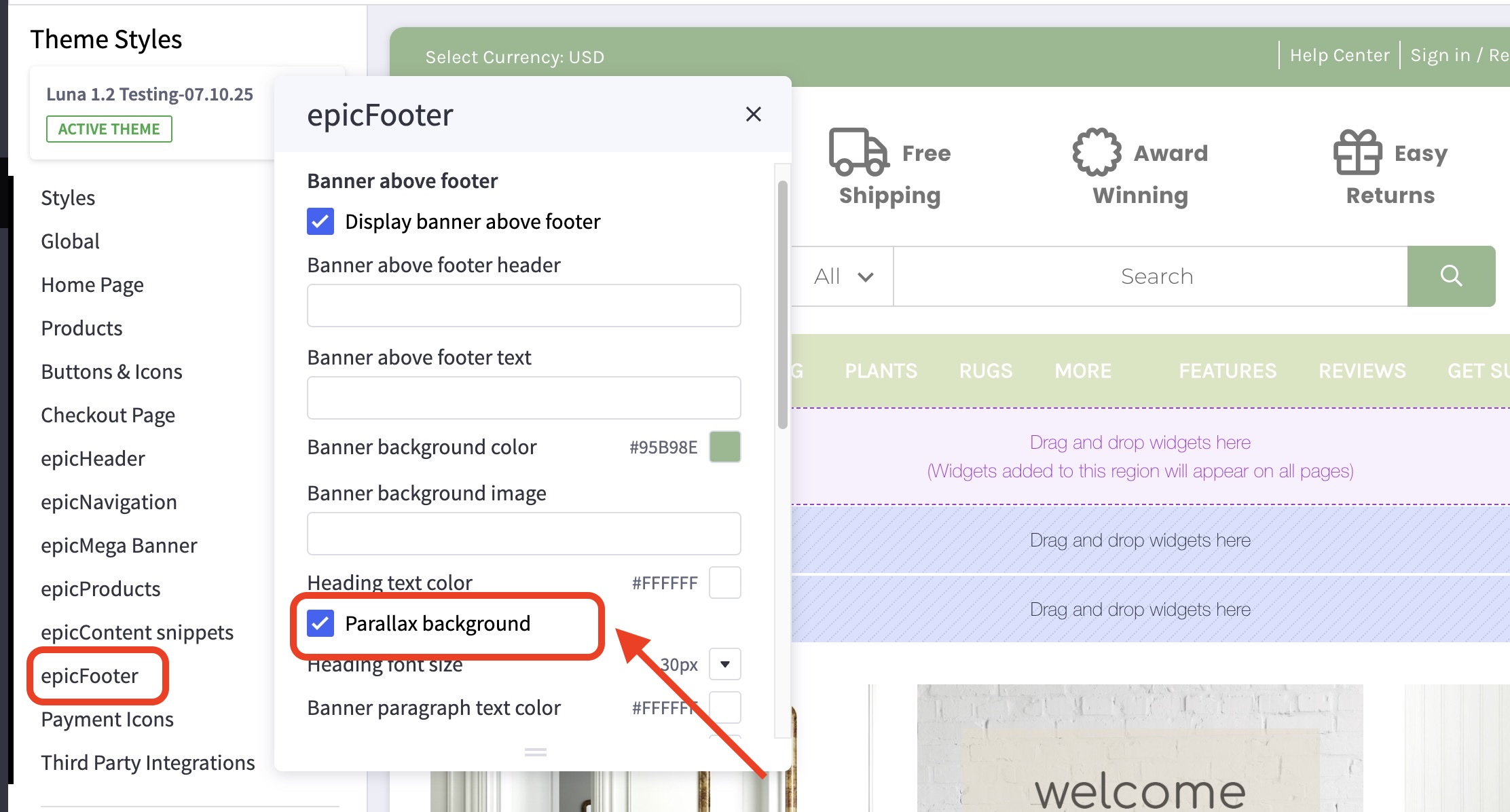
- In the theme customizer, go to the epicFooter section.
- In the first Banner above footer subsection toggle the checkbox labelled Parallax background.
How can I change the text and text formatting in this banner? #
- In the theme customizer, go to the epicFooter section.
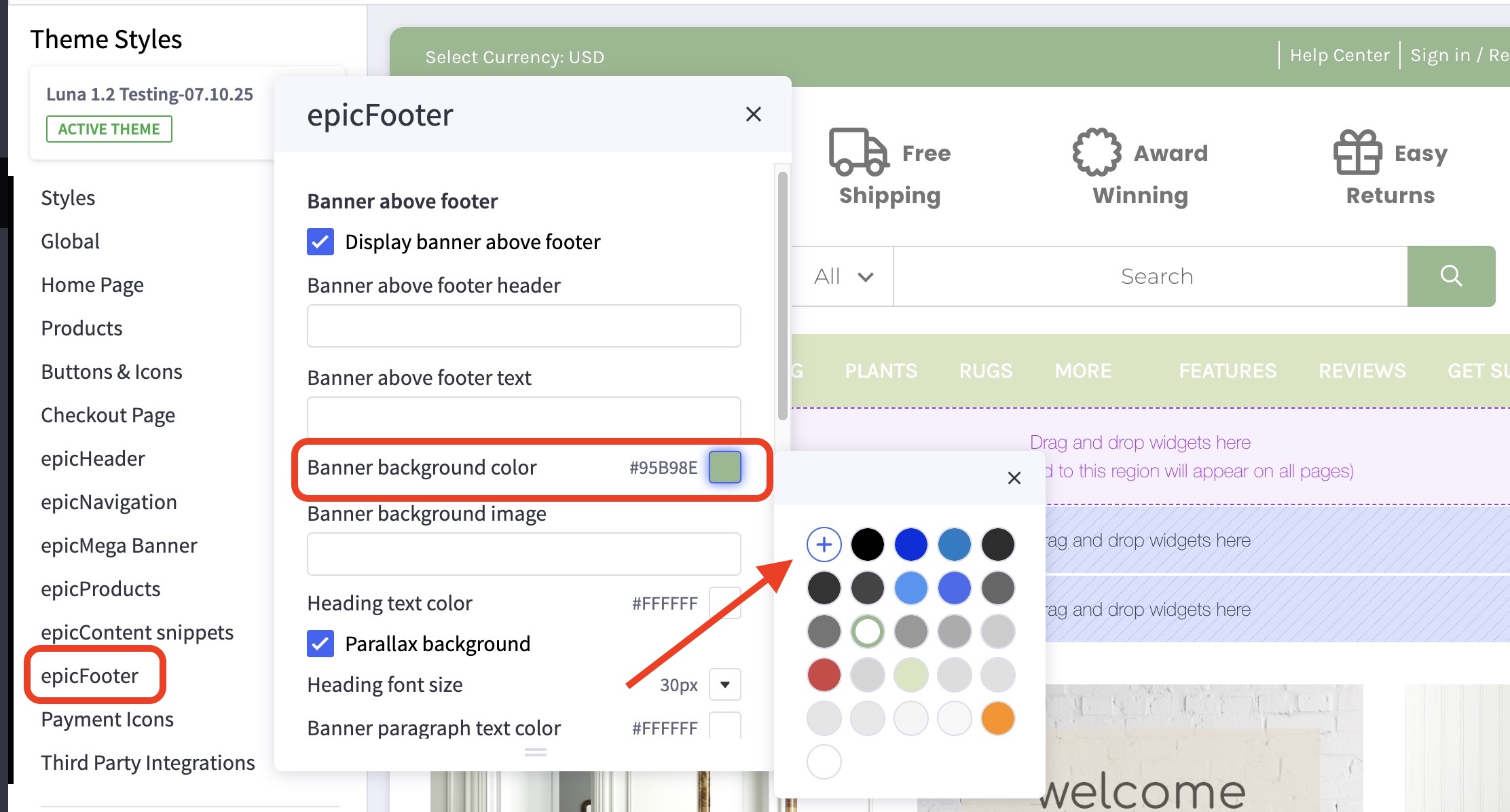
- In the first Banner above footer subsection, click the color icon labelled
Banner background color. - You may also click the (+) button to enter a Hex code or use a slider instead.