
Table of Contents
Control the settings for your product pages
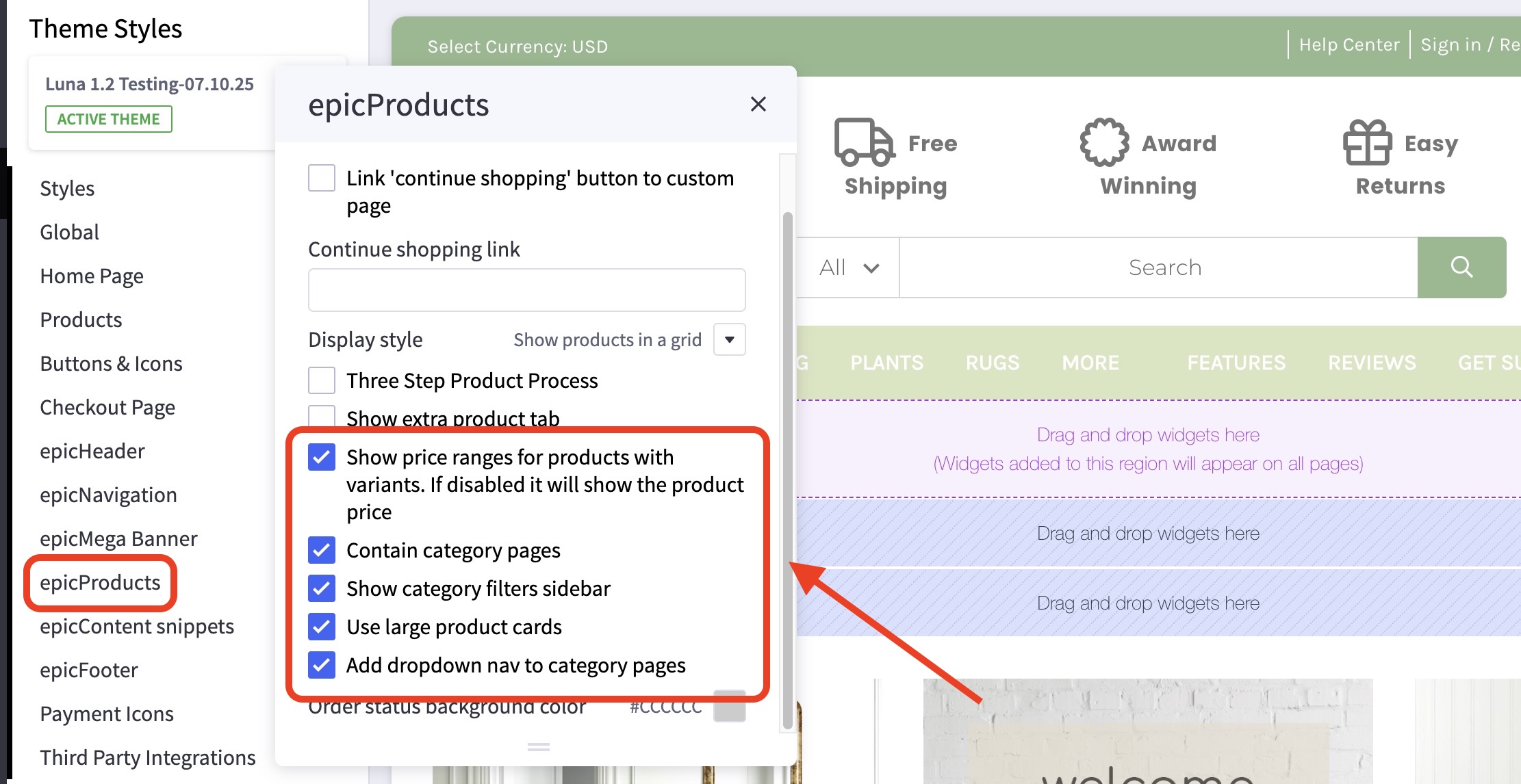
Where do I find these product settings? #
- In the theme customizer, go to the epicProducts section.
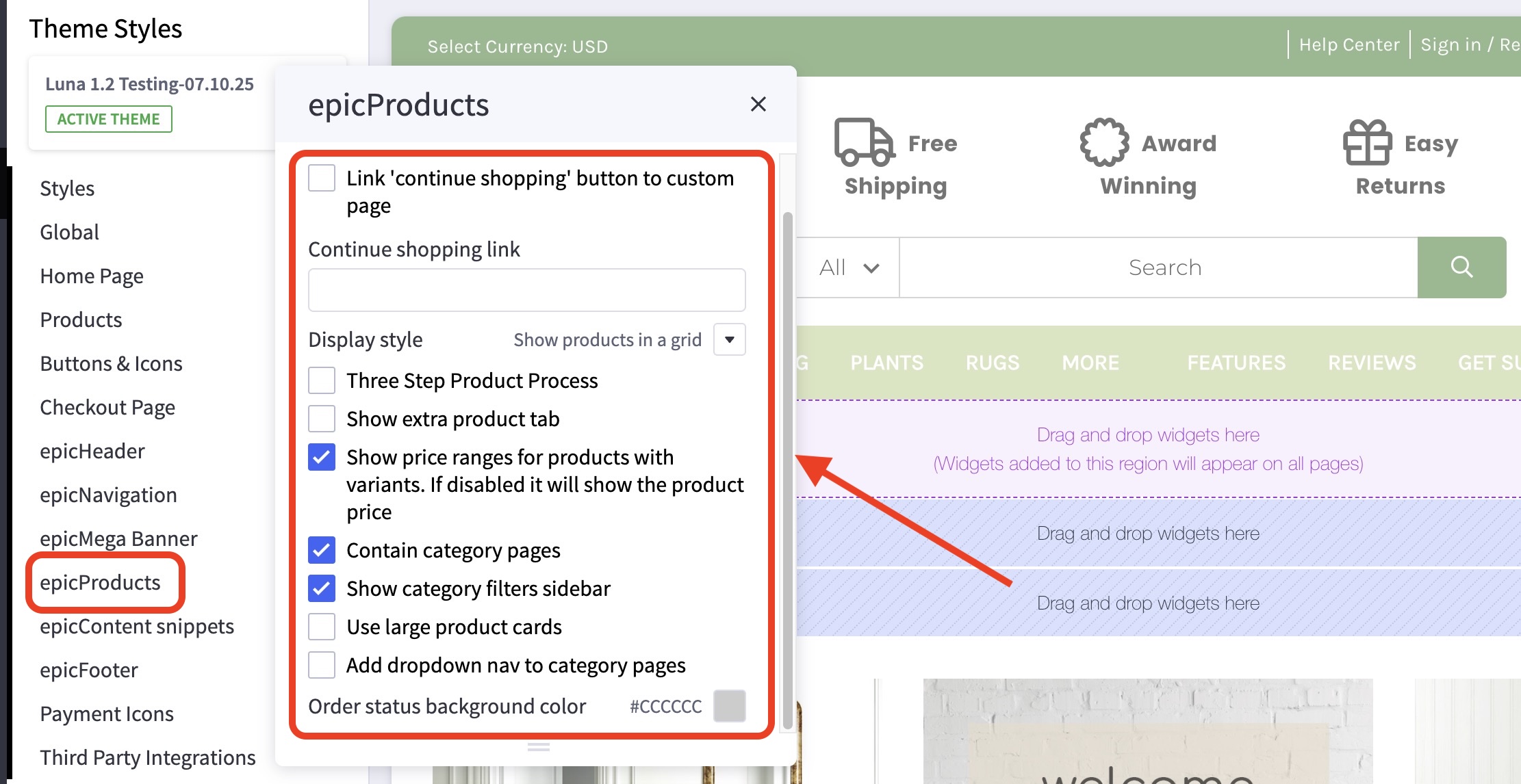
What customizations are available on the product page? #
Several options are available to customize the function and display of the product page.
- You can customize the link where the “continue shopping” button leads after a product is added to the cart.

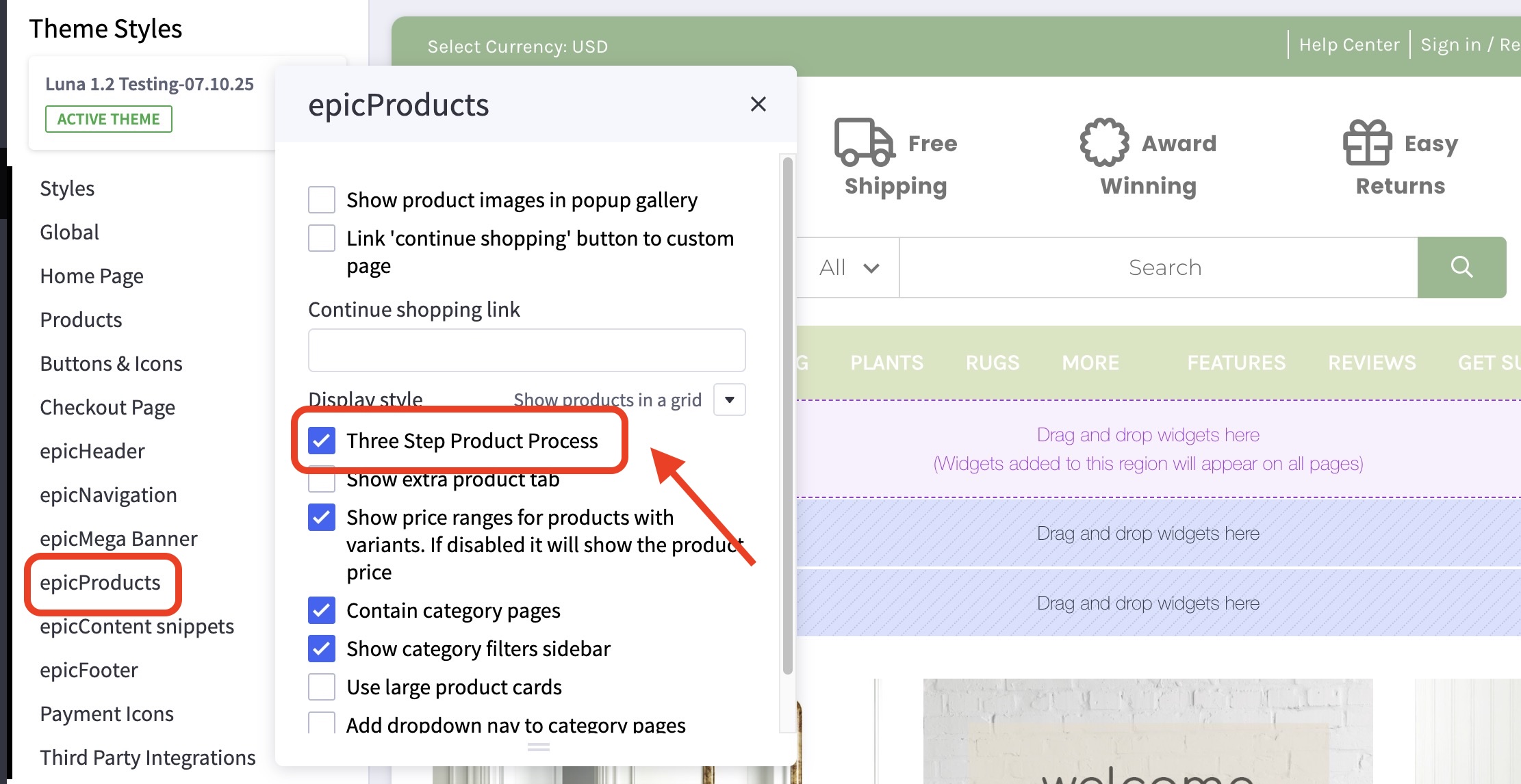
- Use a three-step product process to hide available options from cluttering the display.
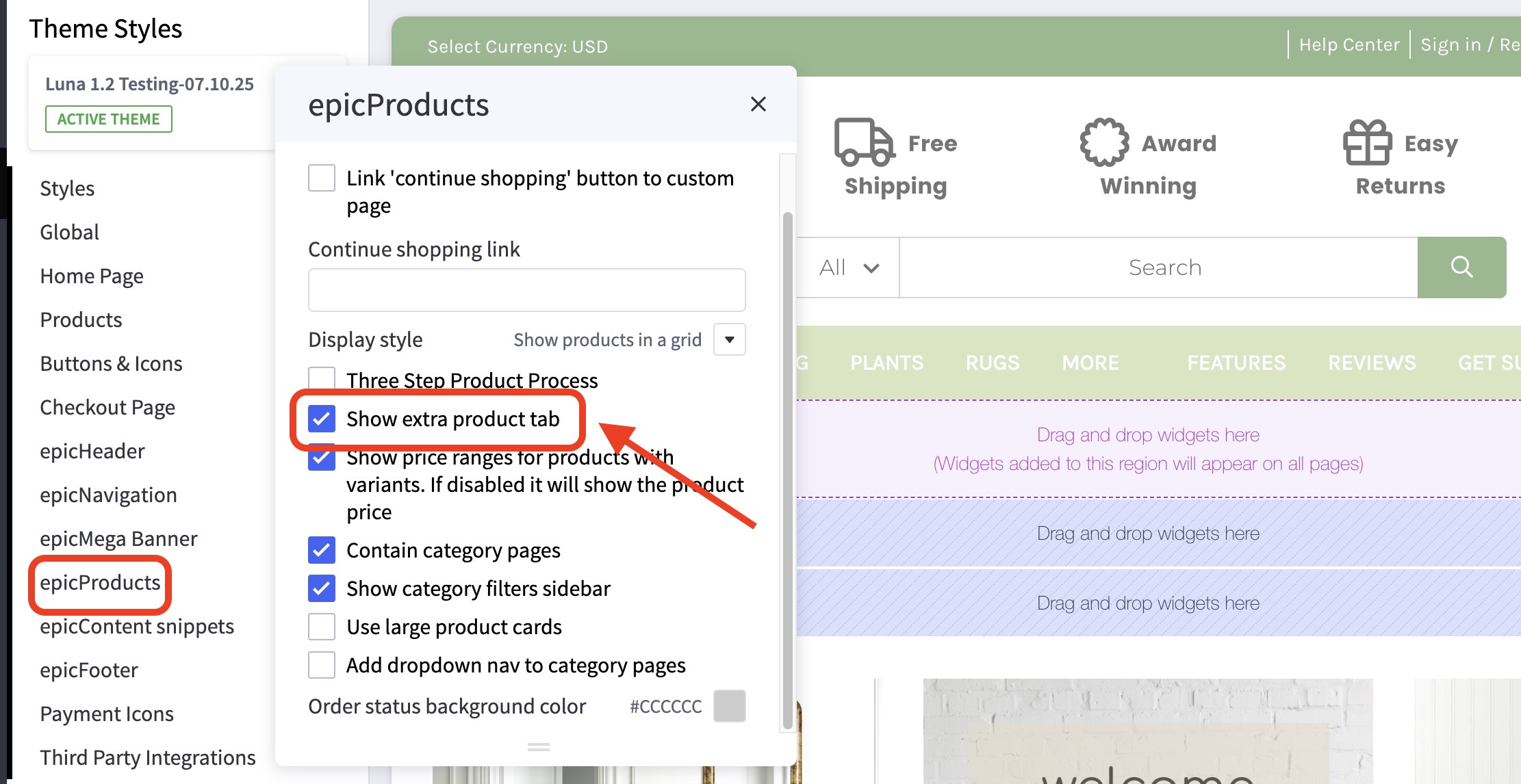
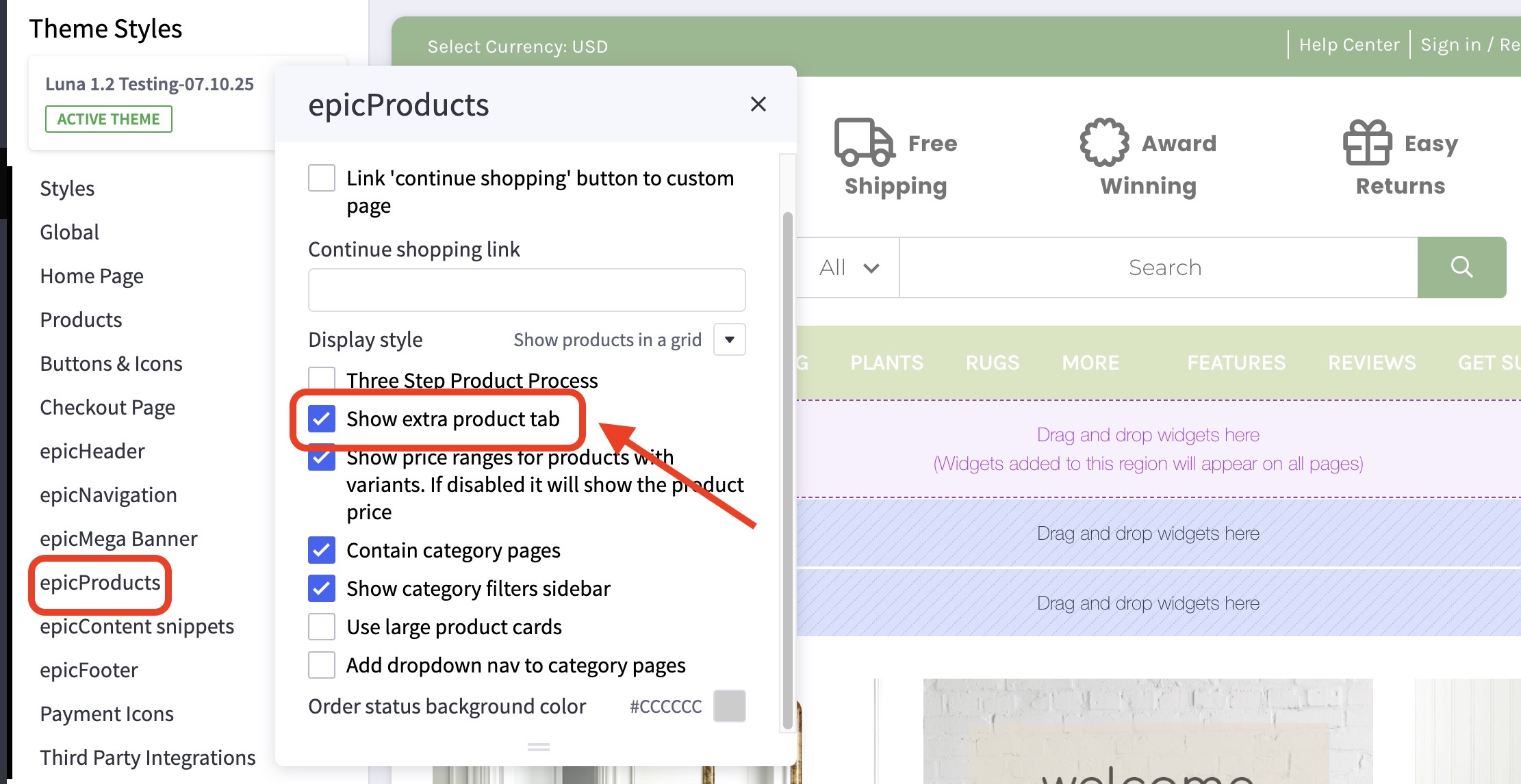
- Enable an extra product tab for showing extra information.
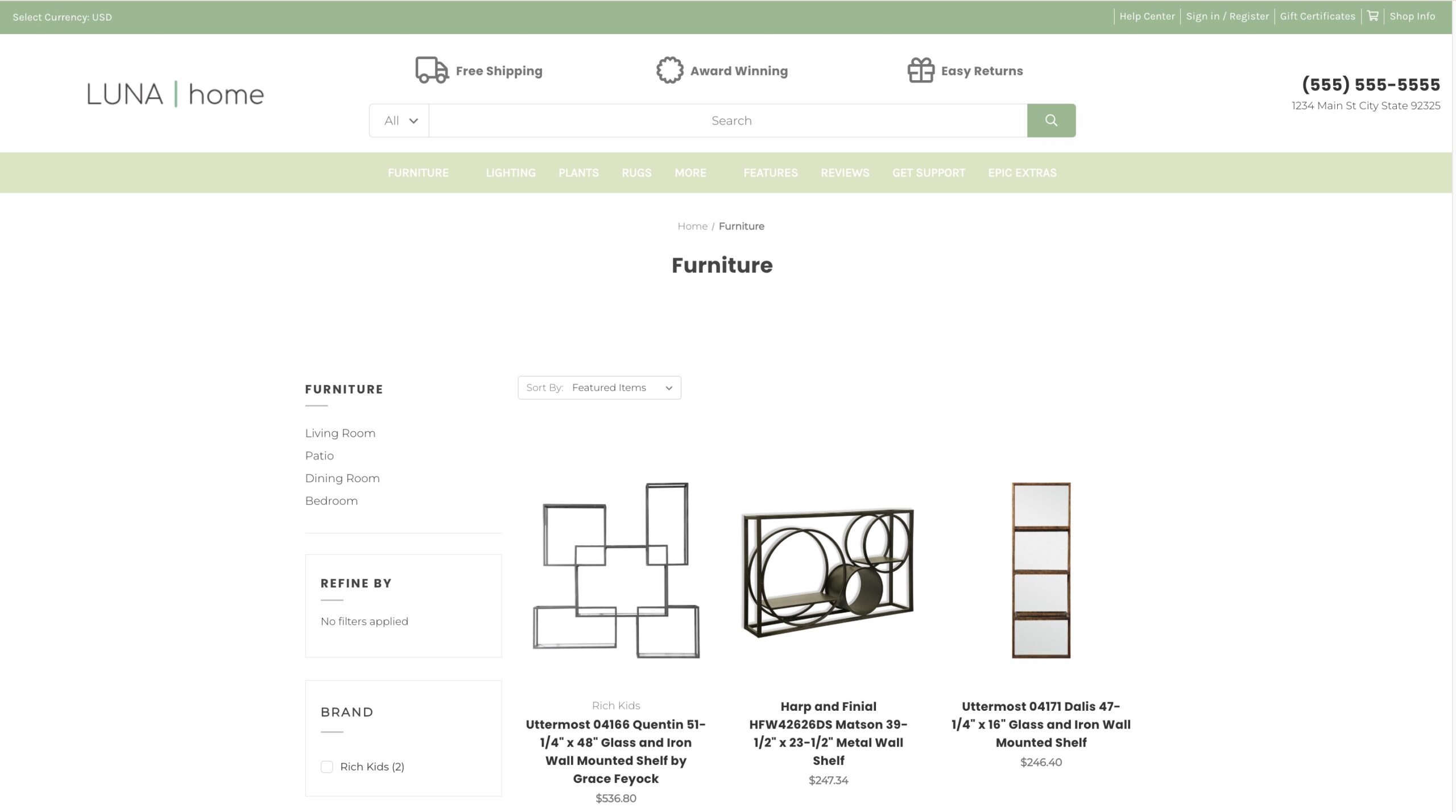
What customizations are available on the category pages? #
You can select to display the product price as a range to include more expensive options.
You can also restrict the width of the product card display, show sub-categories as a side bar or a dropdown menu, display larger product cards, or toggle between grid or list view.
How can I input content in the extra product tab? #
To make a global change on all products:
- Enable the “Extra Product Tab” in the customizer.
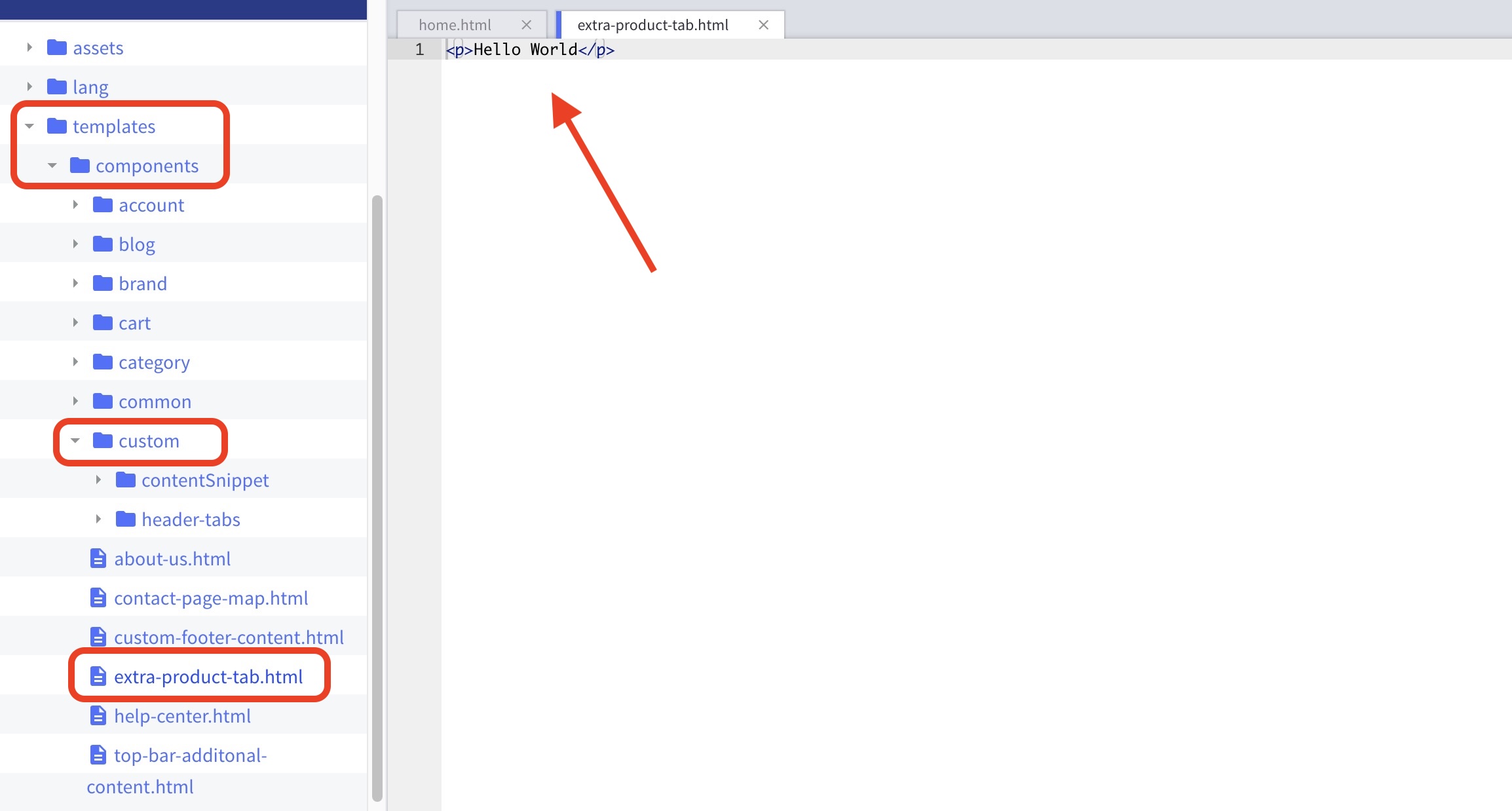
- Edit the text in the theme files at templates > components > custom > extra-product-tab.html
Paste this code in the product description in the HTML editor:
HelloMy Content
“title” is what the tab is called
“Content” is what the content says


