On this page
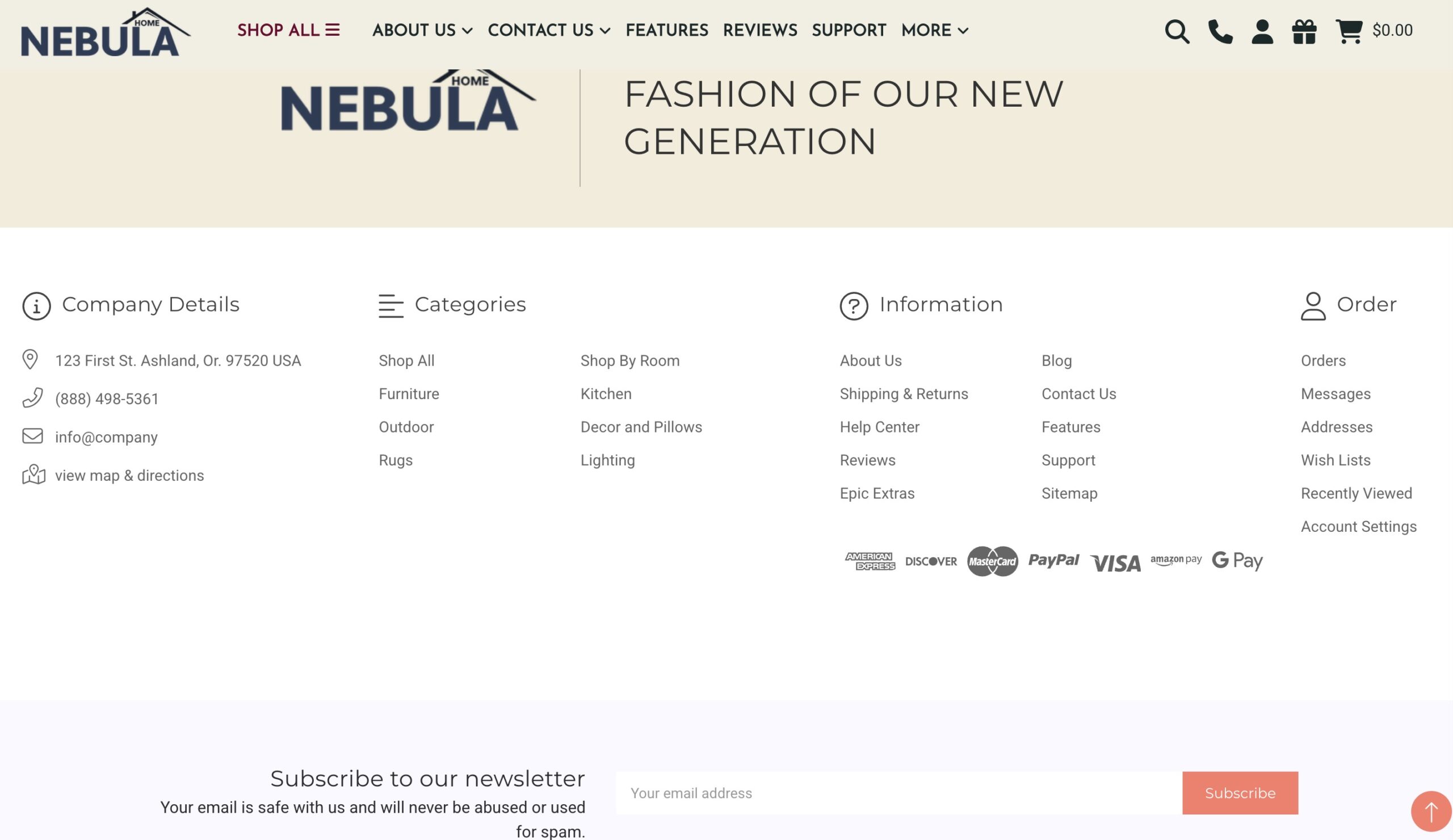
Footer content that displays at the bottom of every page on your site
How can I change the background color for the footer? #
- In the theme customizer, go to the Footer section.
- In the Main footer subsection, click the color icon to pull up the picker.
- You may also click the (+) button to enter a Hex code or use a slider instead.

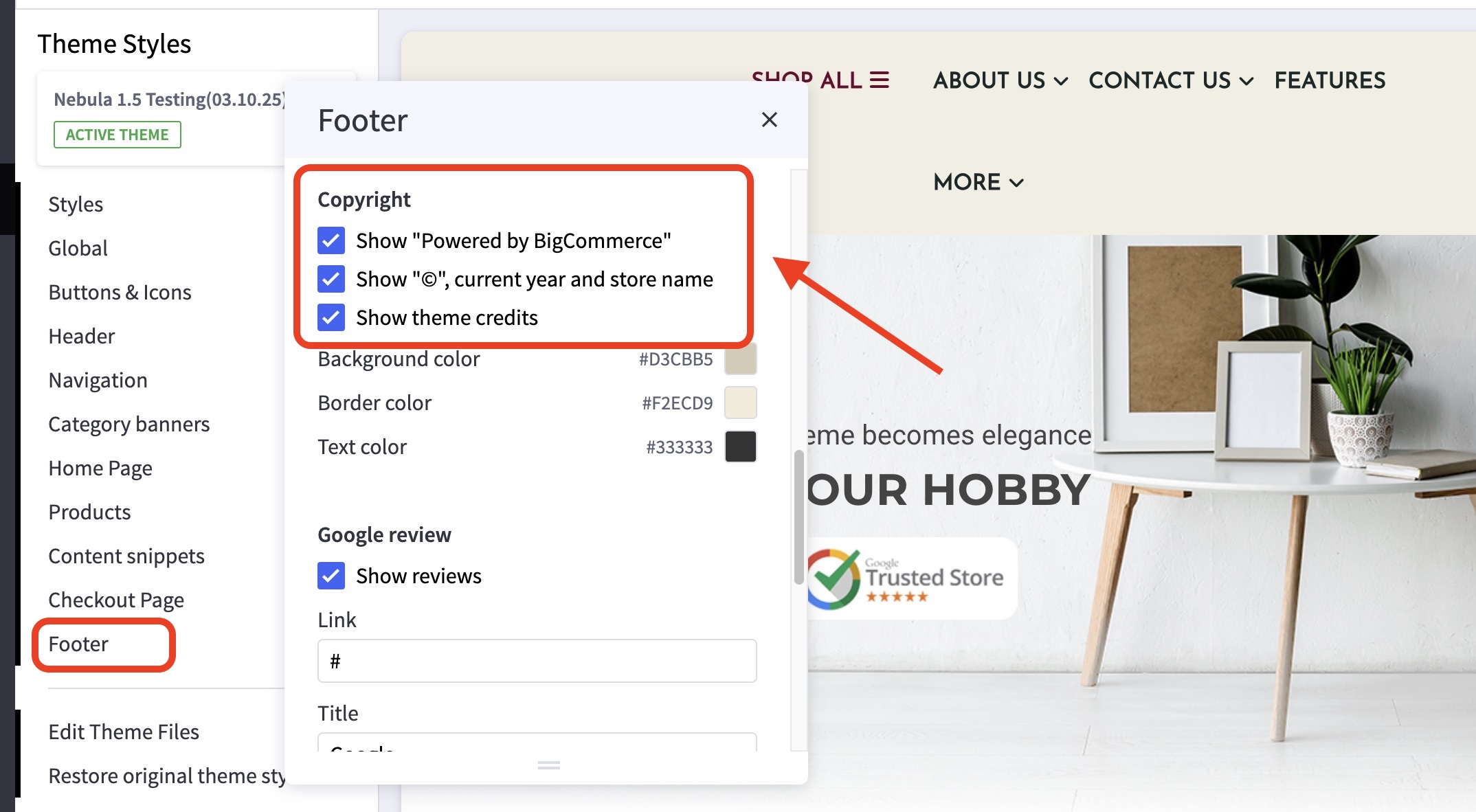
How can I turn on or off the copyright notice or theme credits? #
- In the theme customizer, go to the Footer section.
- In the Copyright subsection, check/uncheck the boxes for these features.
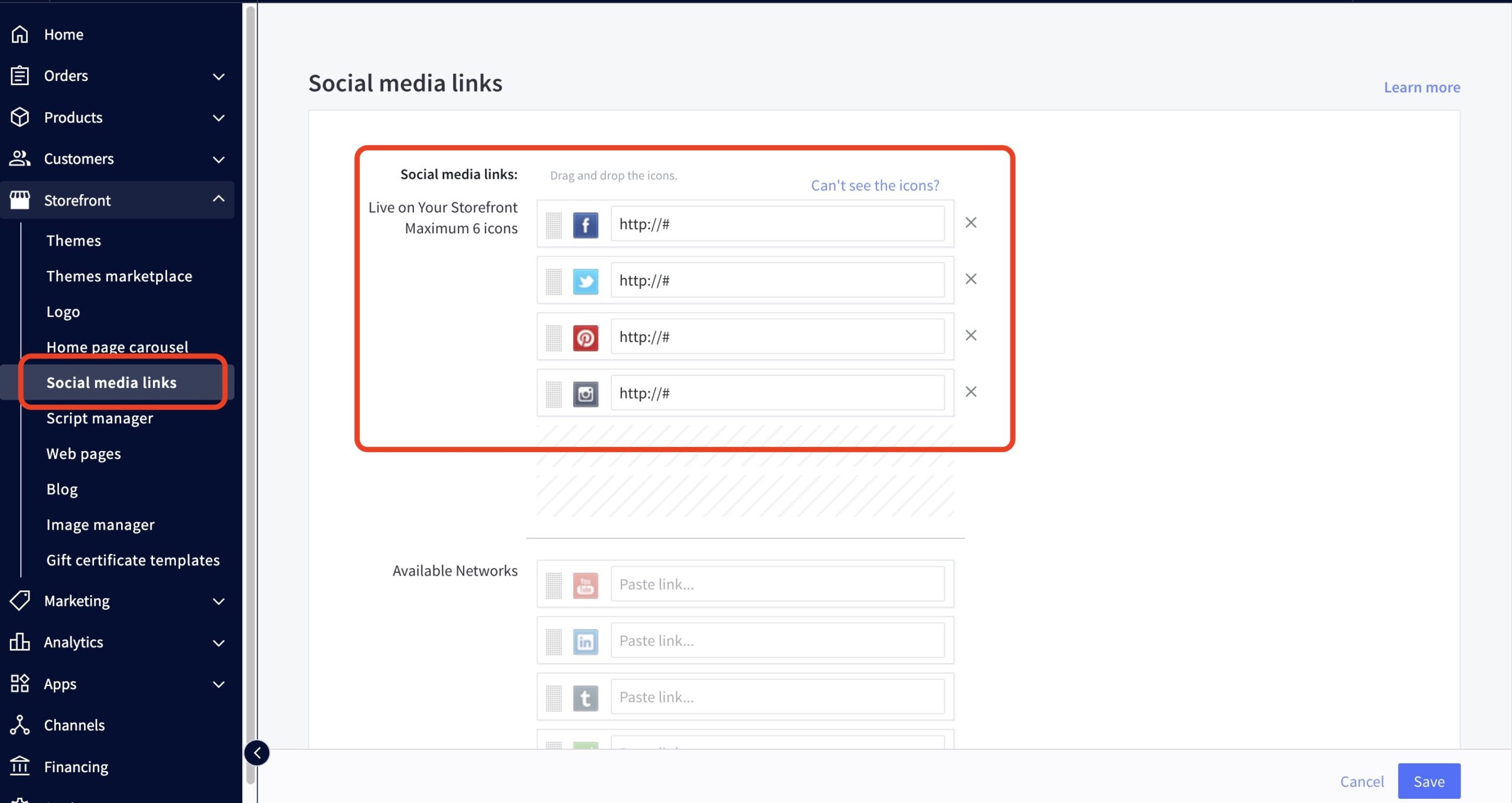
How can I include my social media links in the footer? #
- In the BigCommerce backend, go to Storefront > Social Media Links
- Input your appropriate information in the fields provided.
- Don’t forget to click Save at the bottom right corner.
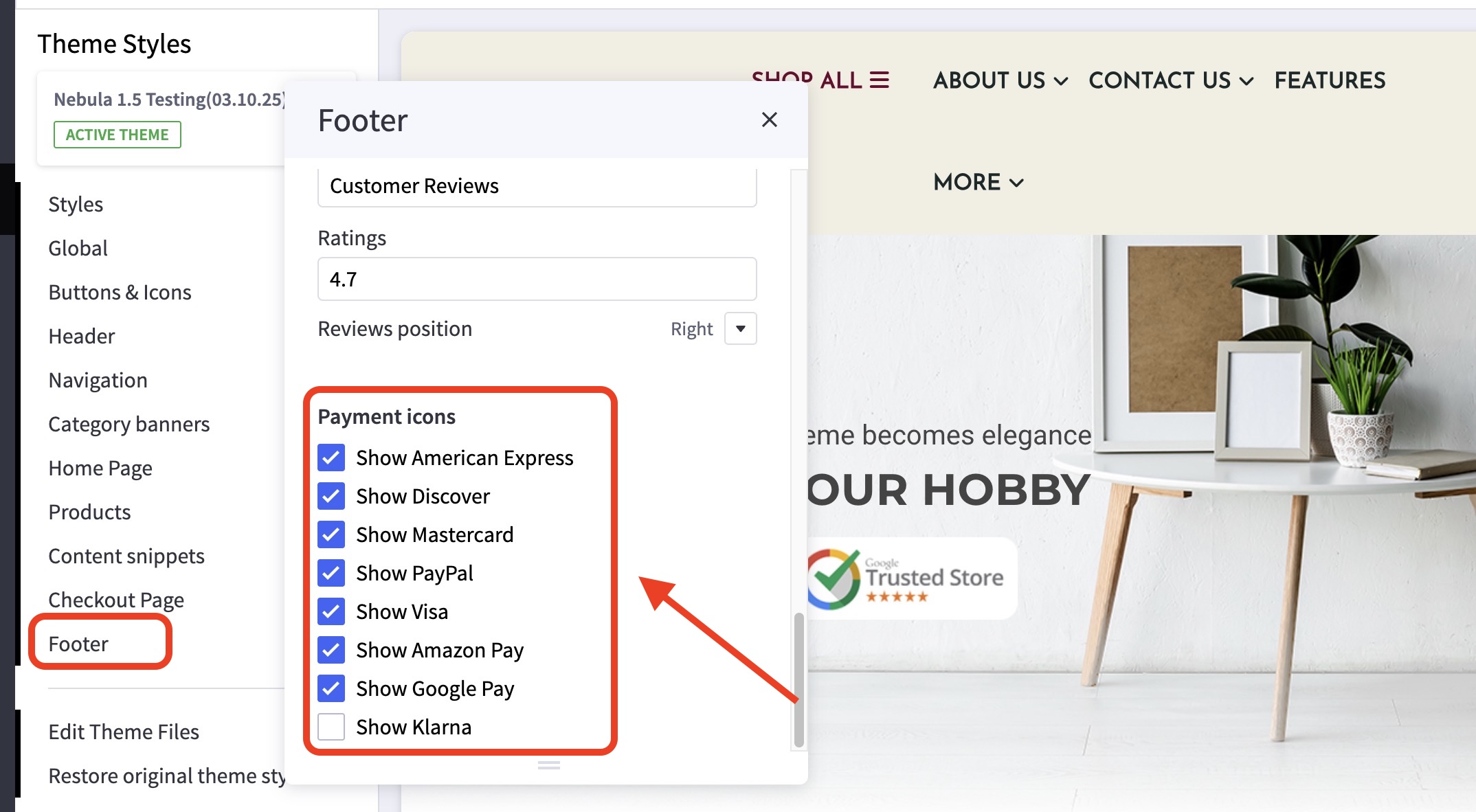
How can I add or remove payment icons? #
- In the theme customizer, go to the Footer section.
- Scroll down to the Payment Icons subsection.
- Toggle the checkboxes to enable the payment icons you’d like to display.
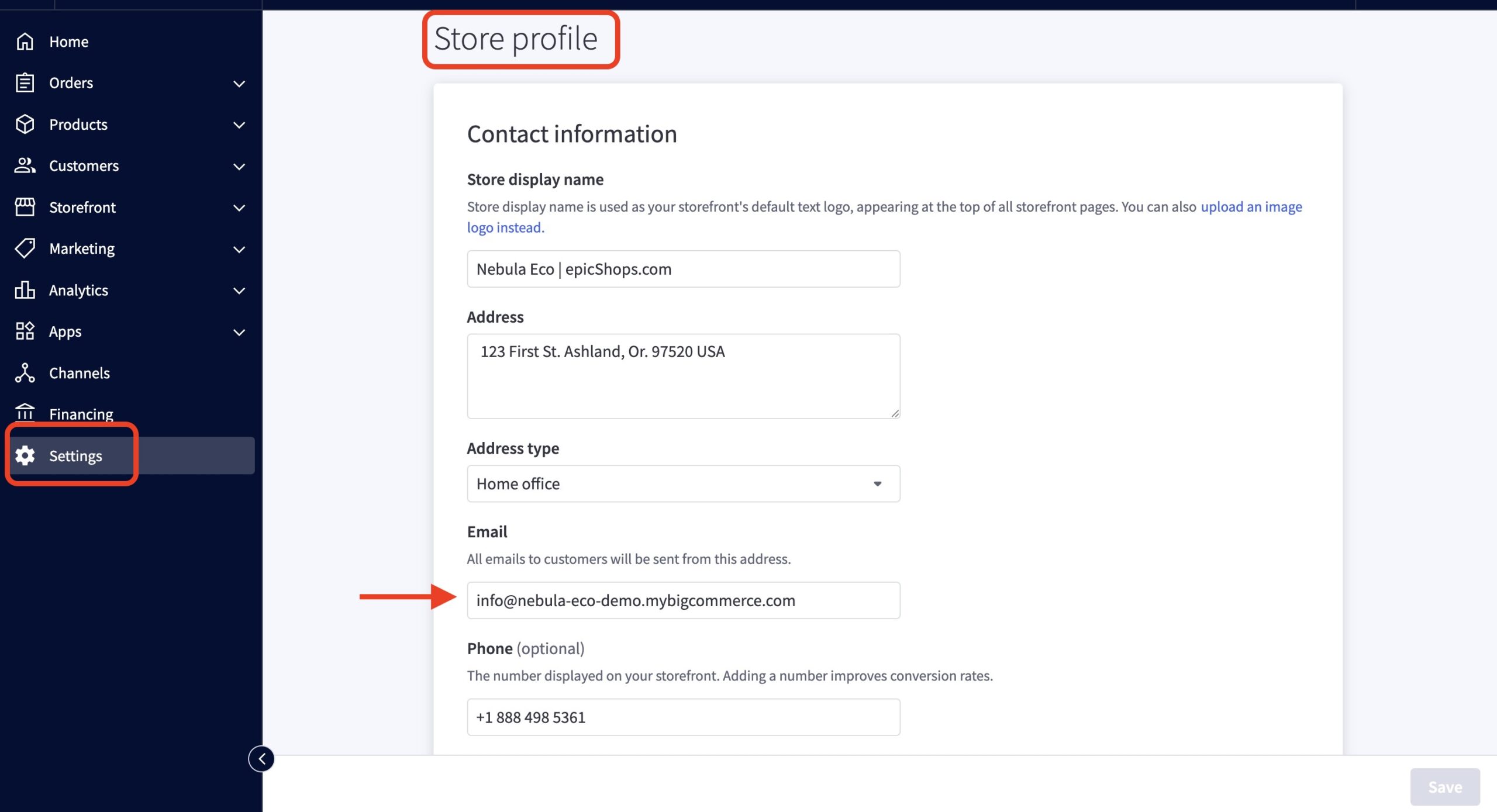
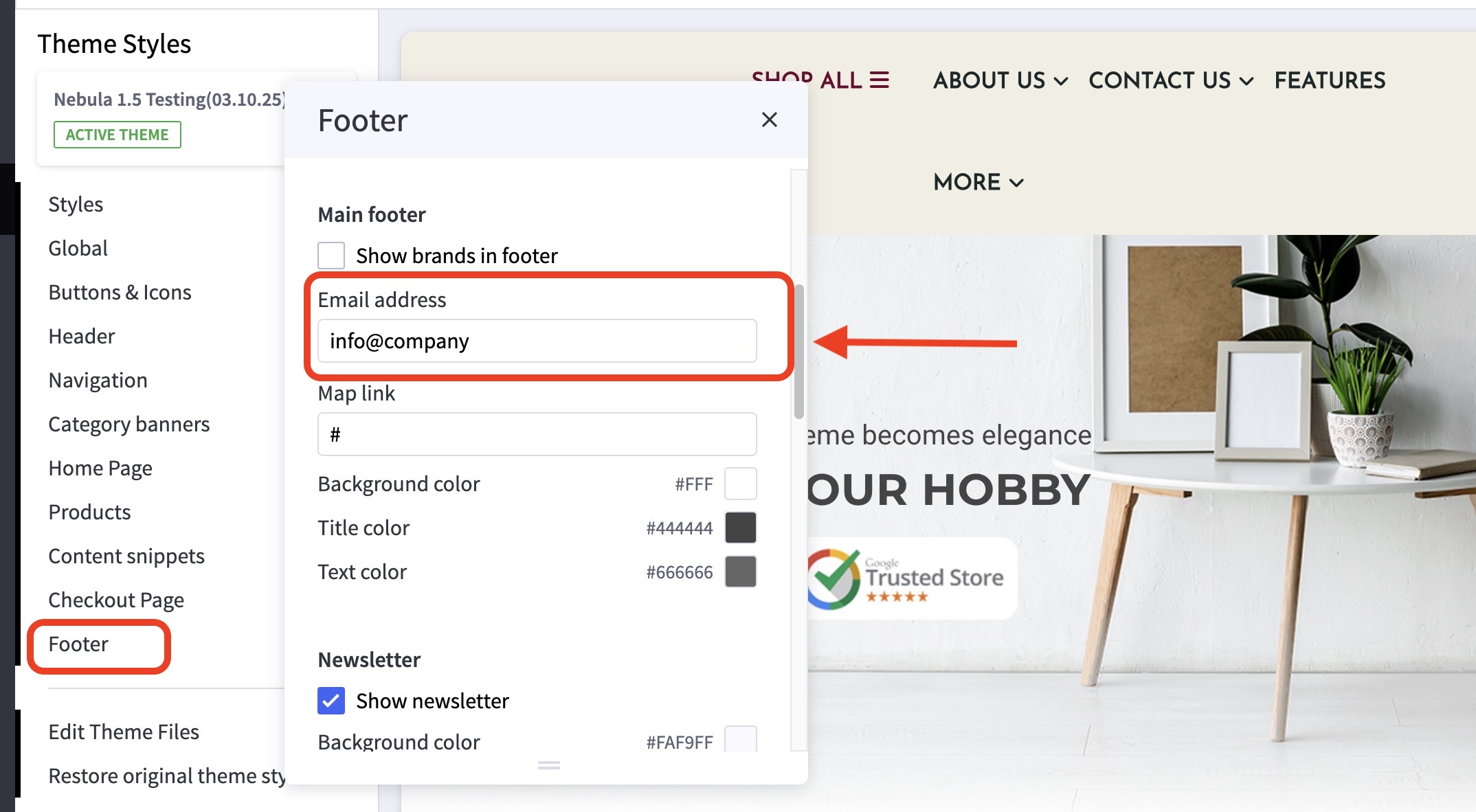
Where can I change the content in the “Store Information” section? #
- You can change the email address shown in the footer under the Footer section > Email Address
- In the BigCommerce dashboard, go to Settings > Store Profile.
- Enter the address and phone number in the fields provided.