On this page
Section of products displayed on the header banner.
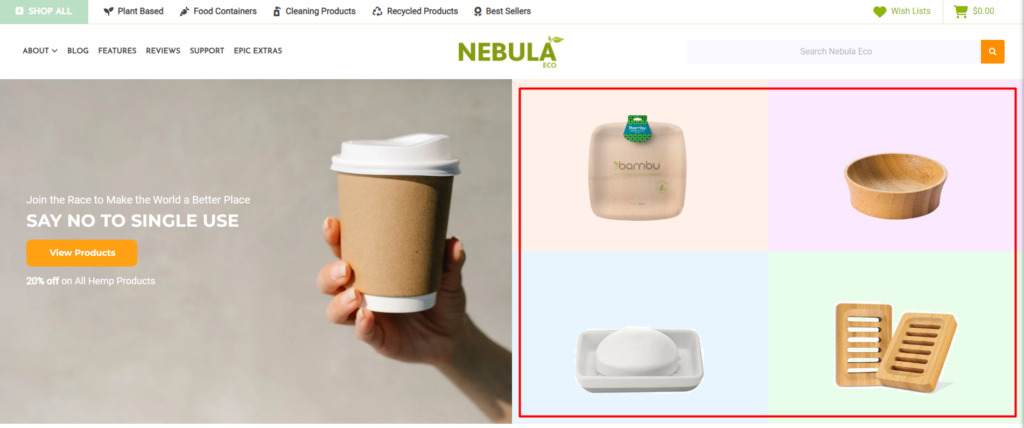
How do I manage the products showing on the banner? #
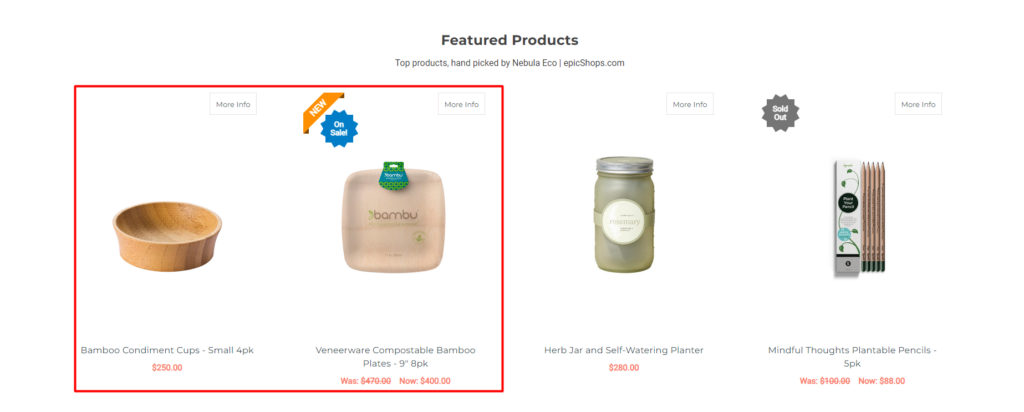
- In the BigCommerce dashboard, go to Products from the menu on the left.
- Find the product you’d like to feature from the list or use the search bar in the top left corner.
- Click the star next to the product name to toggle the featured status.
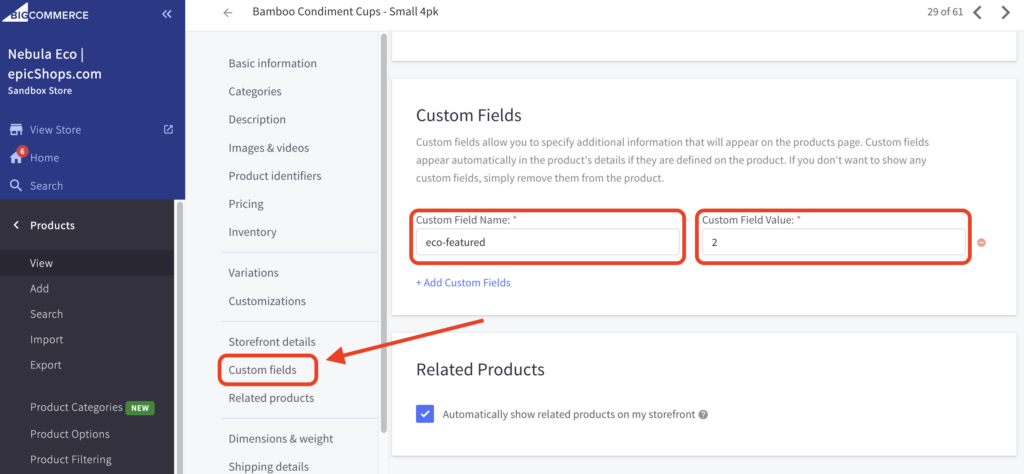
- Once done, go to that product and go to the Custom Field section.
- On the Custom Field Name use eco-featured or eco-featured-hide and for the Custom Field Value, choose any of these 4 numbers (1,2,3,4).
Tags:
- eco-featured: [Default] Product shows on top and bottom
- eco-featured-hide: [New] Product shows on top and hidden at bottom
- Don’t forget to Save the changes.
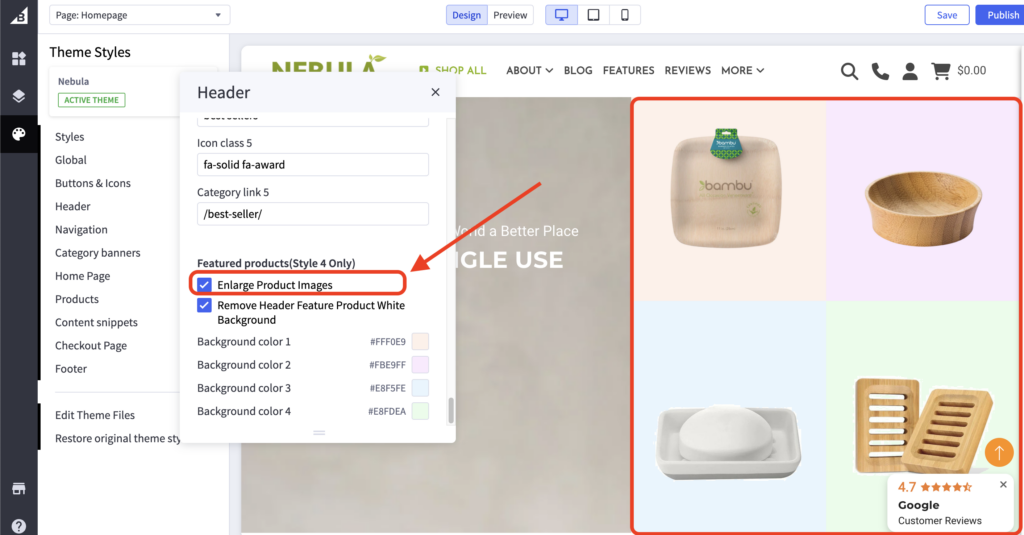
How do I enlarge the image of the 4 featured products shown on the banner? #
- In the BigCommerce dashboard, go to Storefront > Themes > Theme Customizer.
- Once done, go to the Header section and scroll down until you find the Featured Products (Style 4 Only) setting.
- Enable the Enlarge Product Images setting.
- Don’t forget to Save the changes.