On this page
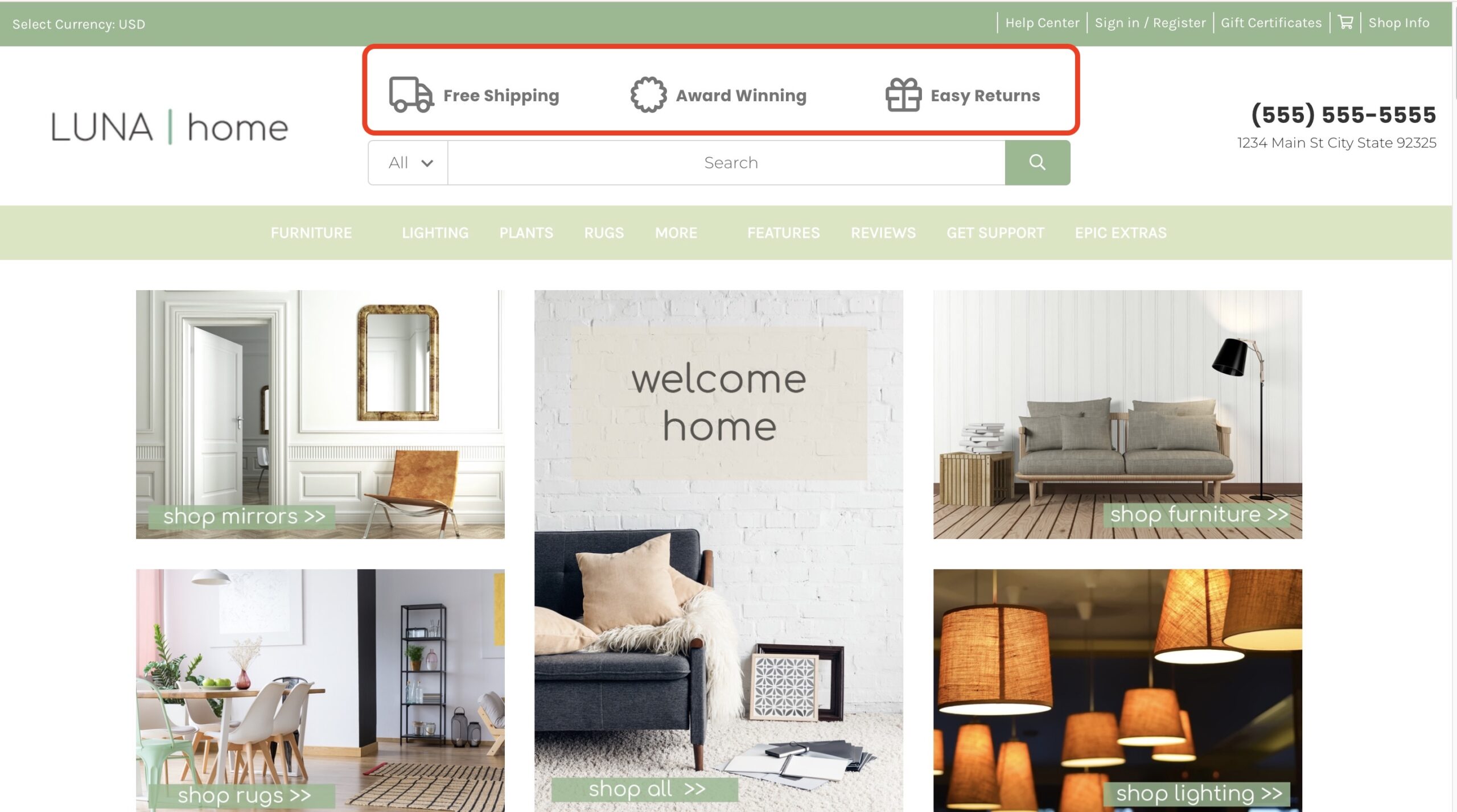
Customize the three content tabs above the search bar
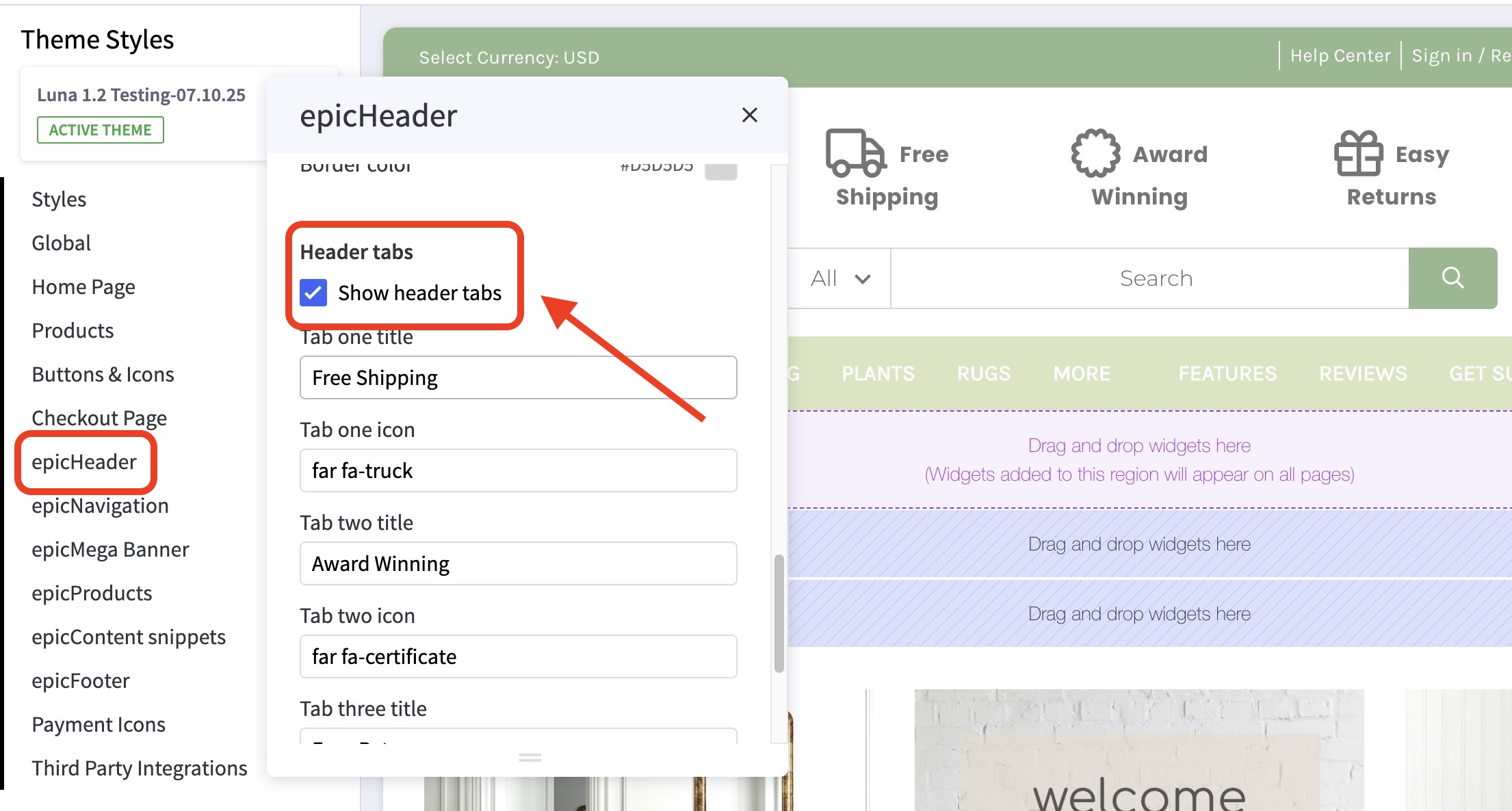
How do I enable or disable the header tabs? #
- In the theme customizer, go to the epicHeader section
- Scroll down to the Header Tabs subsection and toggle the box labelled Show header tabs.
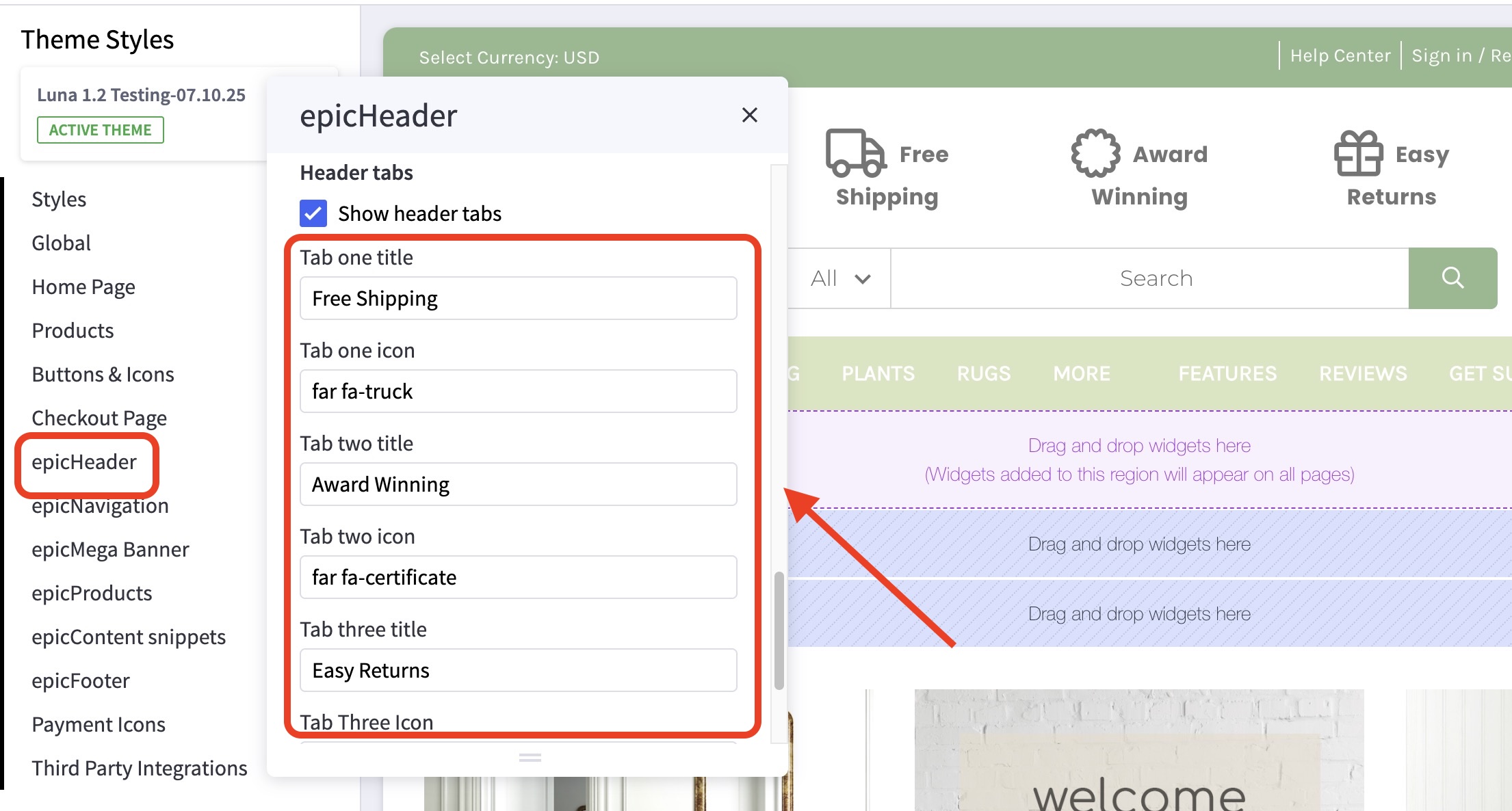
How do I change the icon, or title text or formatting? #
- In the theme customizer, go to the epicHeader section
- Scroll down to the Header Tabs subsection.
- From here, you can change the settings as you wish.
Where can I find new Font Awesome icons to use? #
The icon library may be found here: https://fontawesome.com/icons
Please be sure to only type in the icon class names(without the tags) as shown in the image above.
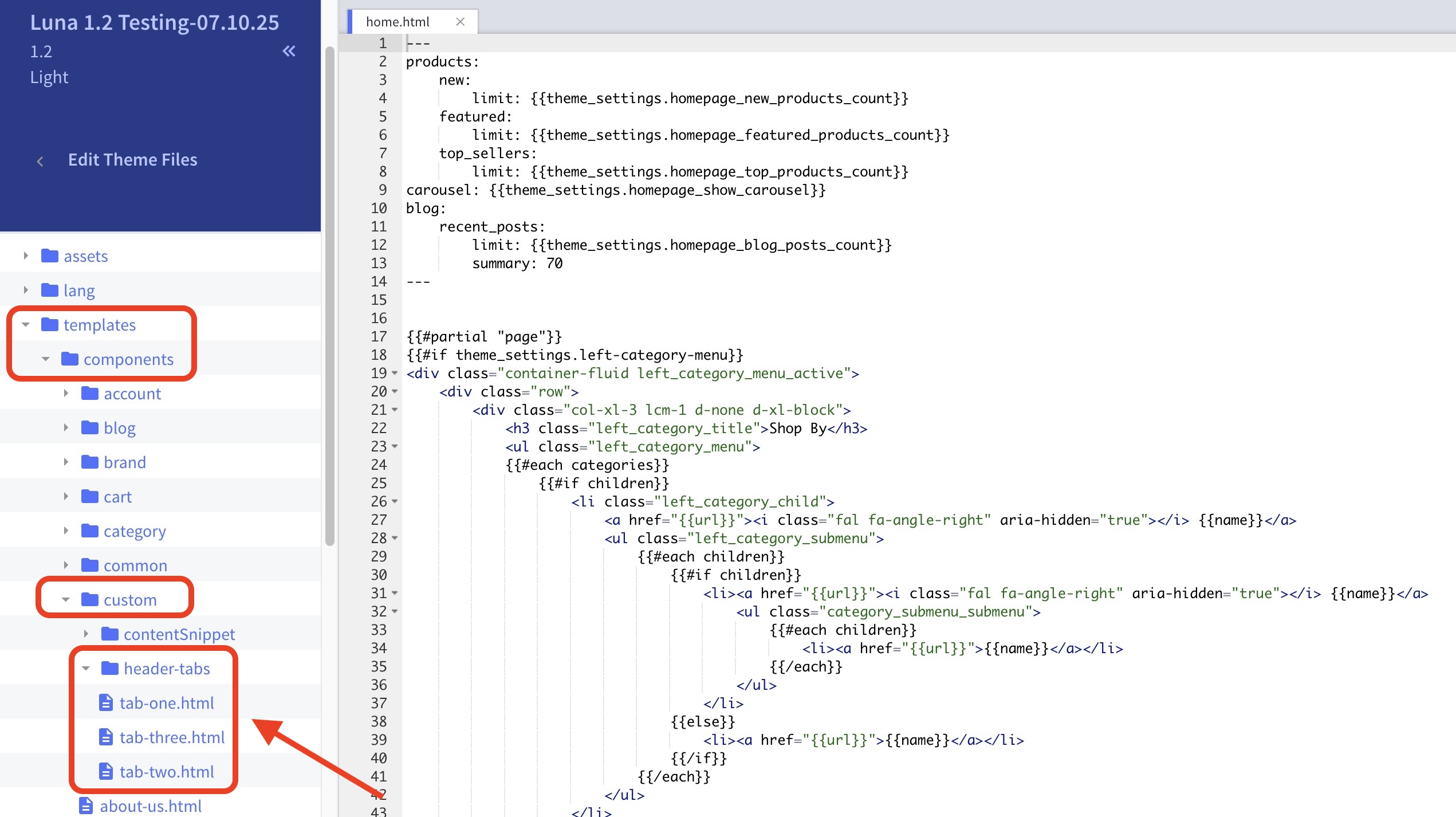
How can I update the text displayed in the expanded section? #
- In the theme files, templates > components > custom > header-tabs>tab-one.html, tab-two.html, and tab-three.html.
- Edit line 2 for your custom text.