Table of Contents
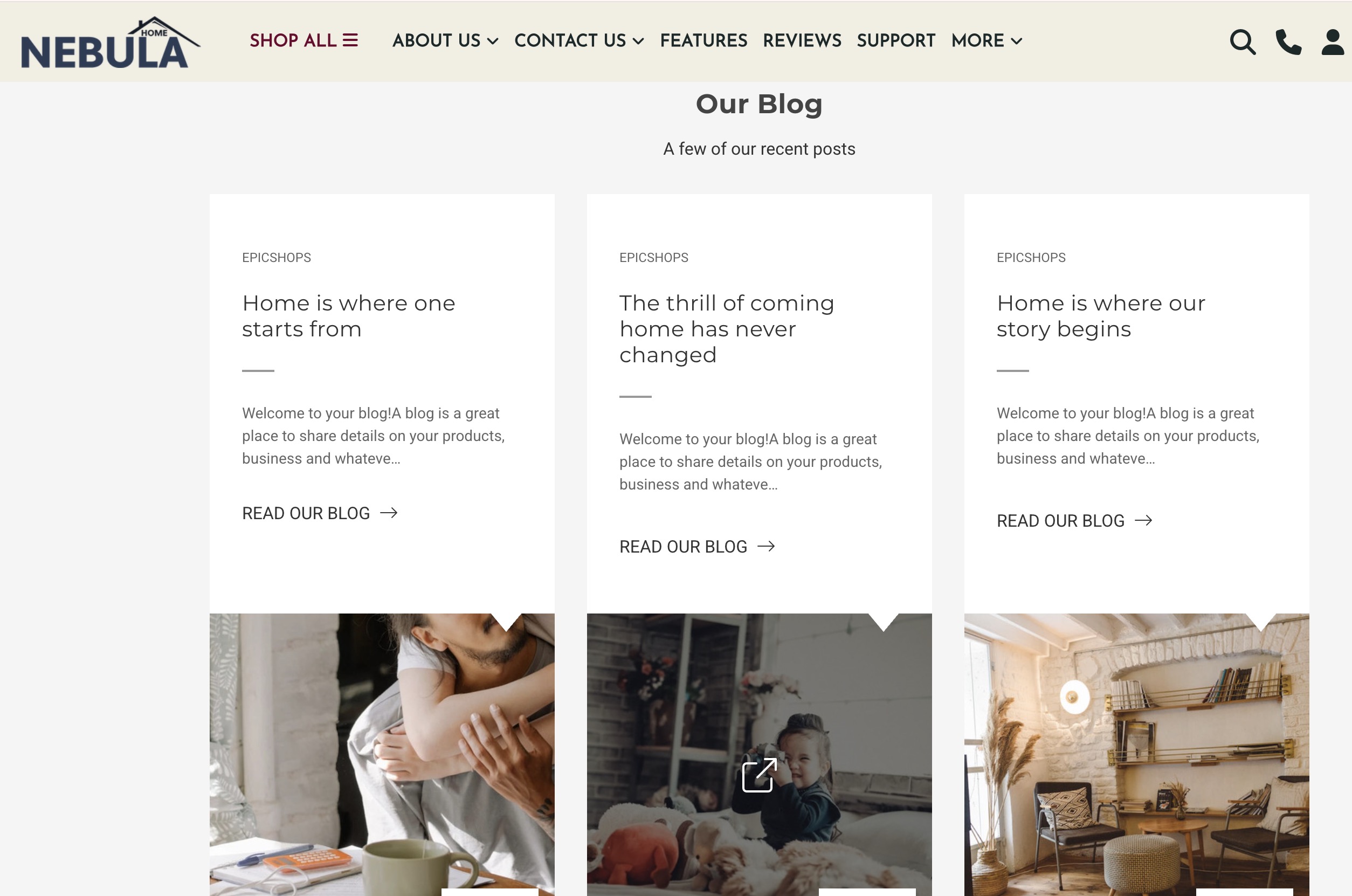
Your latest blog posts displayed on the home page
How do I add blog images? #
- In the BigCommerce dashboard, go to Storefront > Blog.
- Edit/Create a blog post then add a Summary thumbnail image.
- We recommend using images with 590x475px dimensions.

How can I hide the Blog section? #
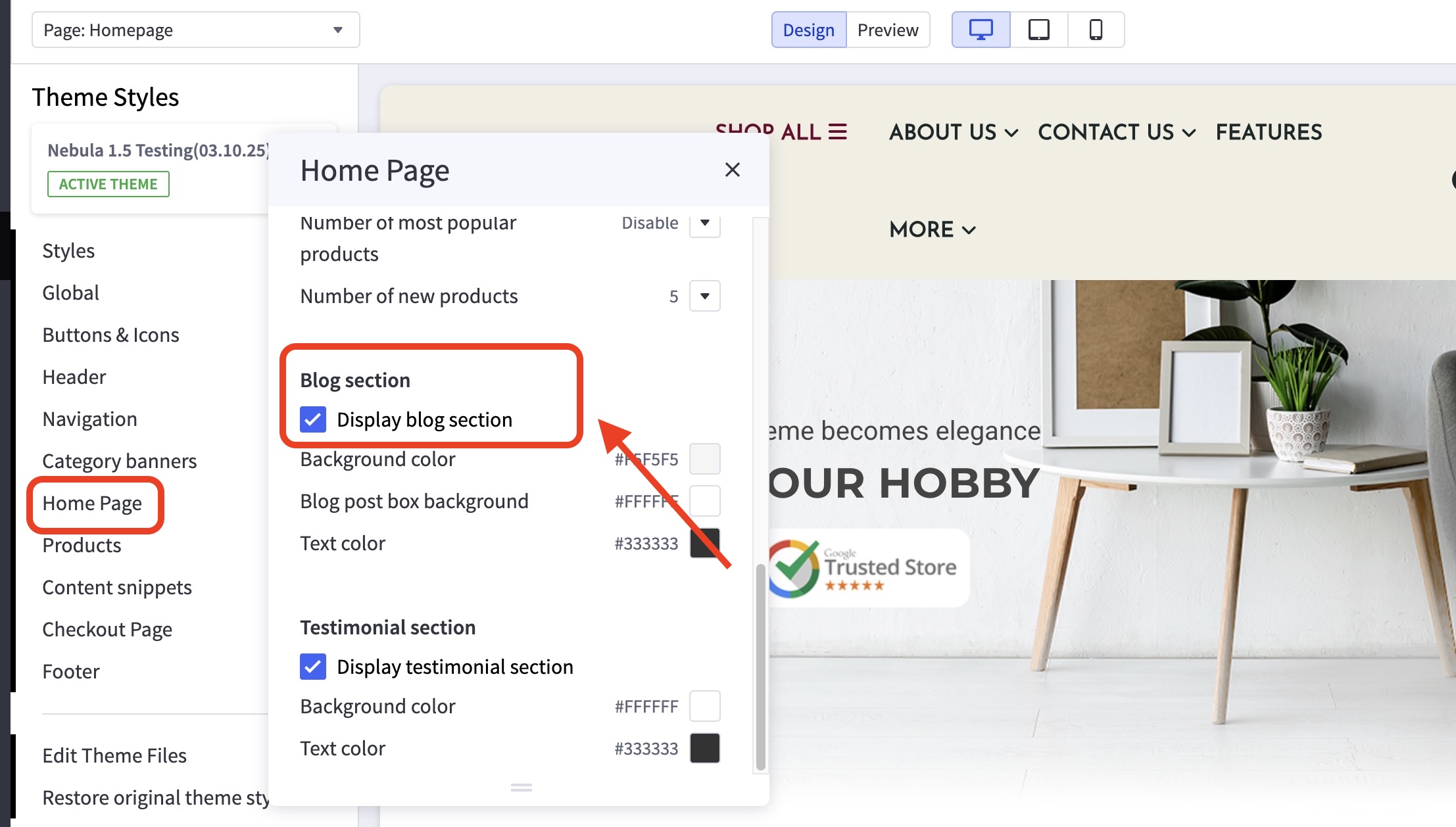
- In the theme customizer, go to the Home Page section and scroll down to the Blog subsection.
- Uncheck the box Display blog section.