
How to Install goLoyalty in BigCommerce #
You can install goLoyalty from the BigCommerce Marketplace in just a few steps.
To install the app:
1. Log in to your BigCommerce control panel.
2. Go to Apps → App marketplace.
3. Click the Discover apps in the App Marketplace.
4. In the search bar, type goLoyalty.
5. Select goLoyalty from the search results.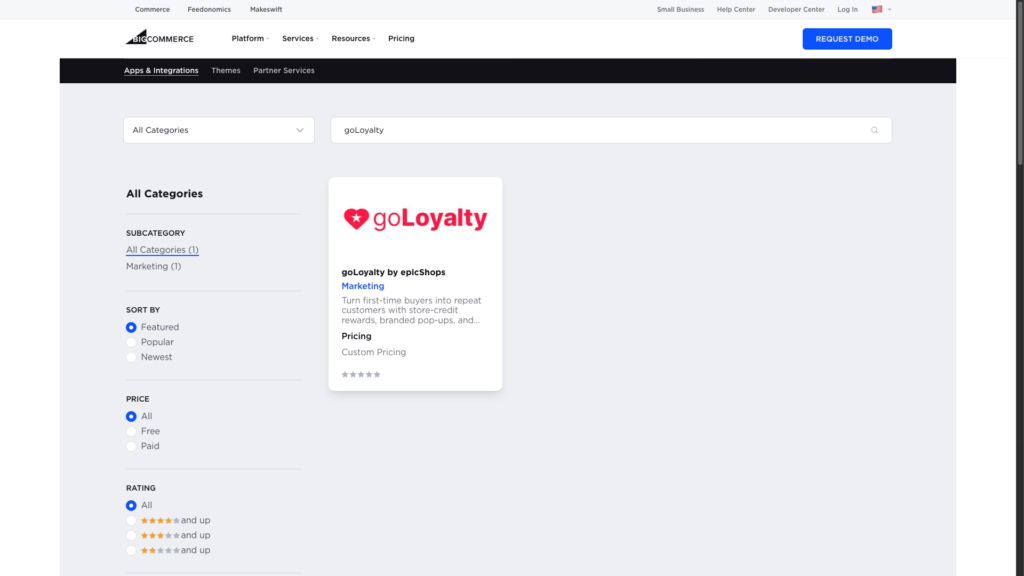
6. Click Get This App.
7. Under Existing BigCommerce store, click Log in to continue.
8. Click Install.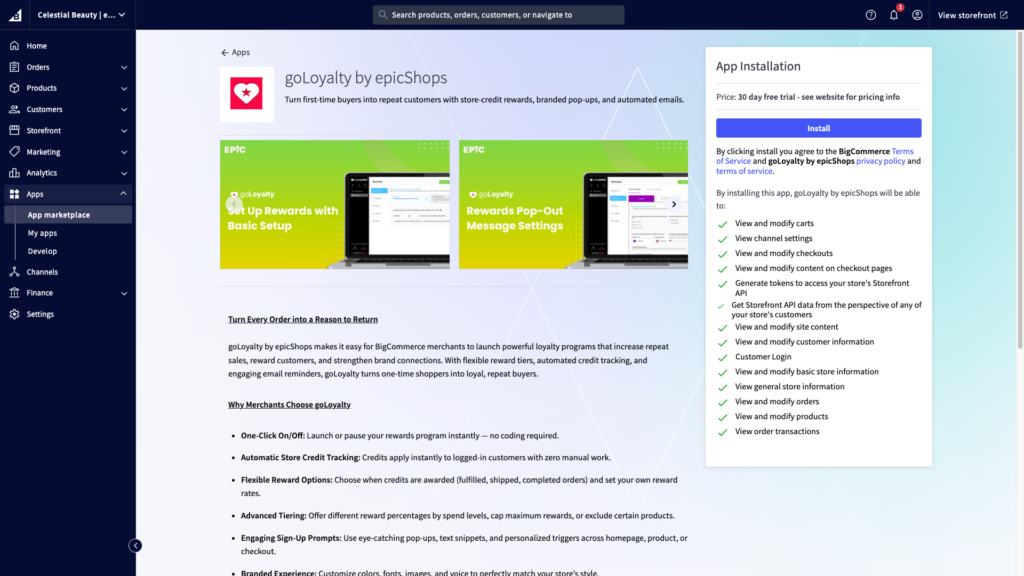
9. If asked, log in to your account, then confirm or choose the store where you want goLoyalty installed.
10. Review the permissions requested, then select the confirmation checkbox.
11. Click Confirm.
What happens next? #
After installation, you’ll be asked to Launch epicApps.
A new tab will open to the epicApps login page.
This is expected — goLoyalty is managed inside the epicApps suite, where all Epic tools live.
Sign in using your BigCommerce account credentials.
Once logged in, you can open goLoyalty and continue setup.


