
Overview #
Now that you’ve set up epicSnap, here’s what your customers can experience from the moment they receive a review request to the time their reviews appear on your store.
This guide gives you a preview of the customer experience so you’ll know exactly what your customers see along the way.
Review Request Emails #
Customers receive a review request email based on how you choose to send it.
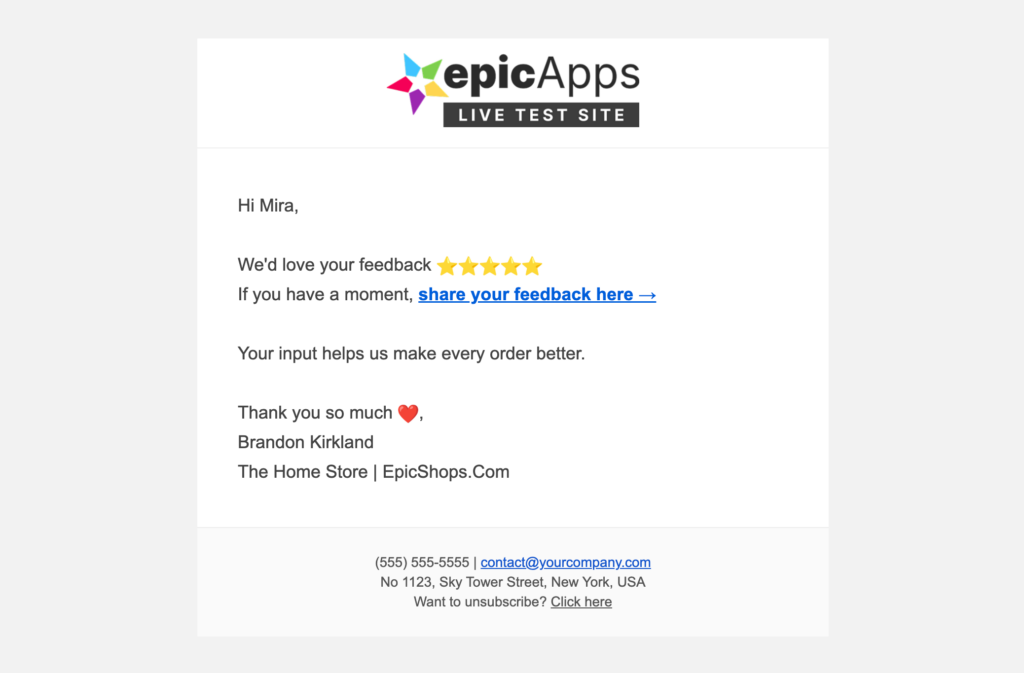
Review Request Email Without a Photo of the Customer’s Order
Customers receive this email when a review request is sent without including a photo of the customer’s order.
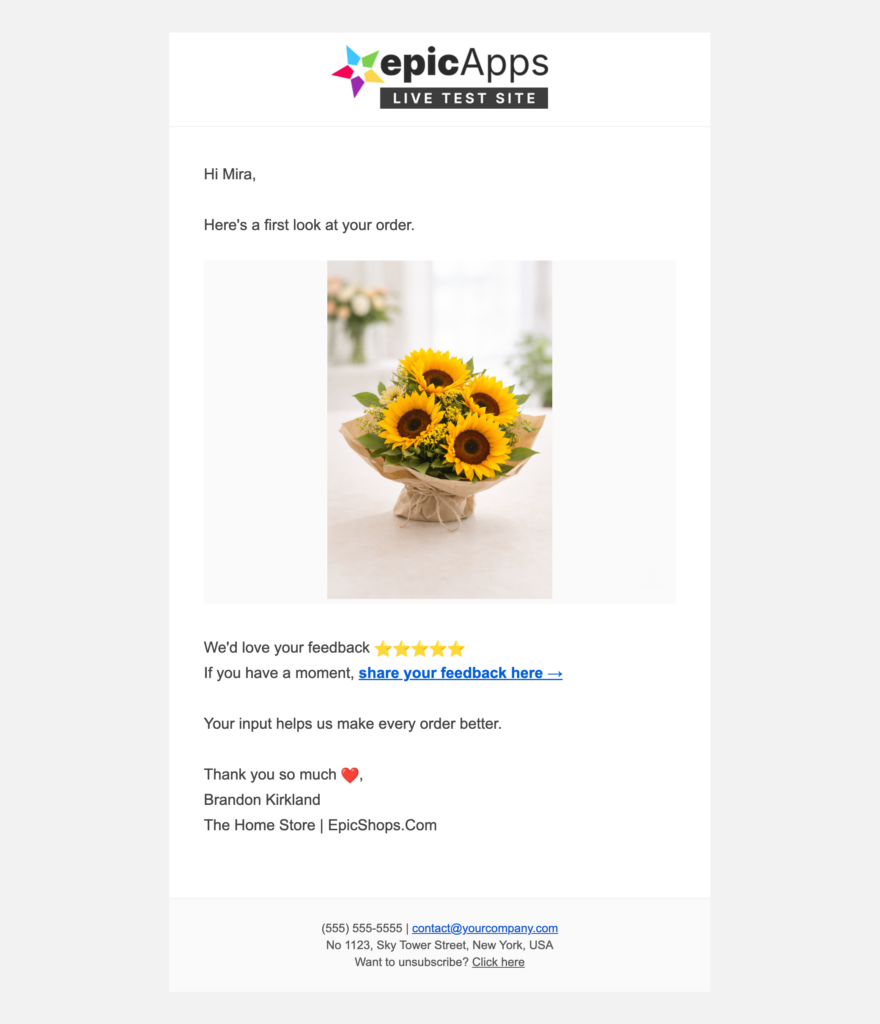
Review Request Email With a Photo of the Customer’s Order
If you send a review request with a photo of the customer’s order, customers will receive an email that includes the attached image.
Want to customize these emails?
Learn more: Set Up Review Request Emails
Rate Order Page #
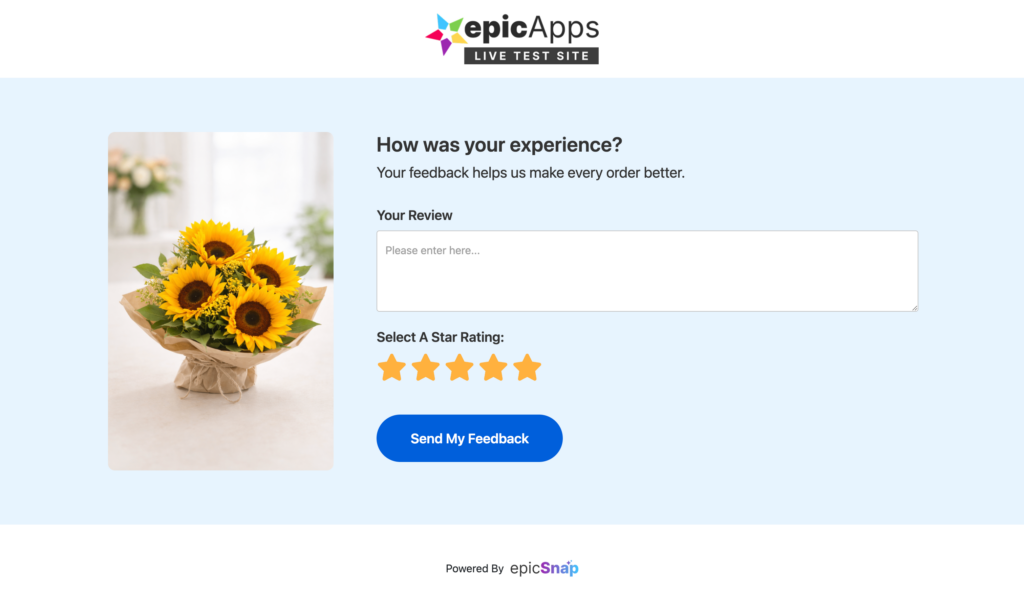
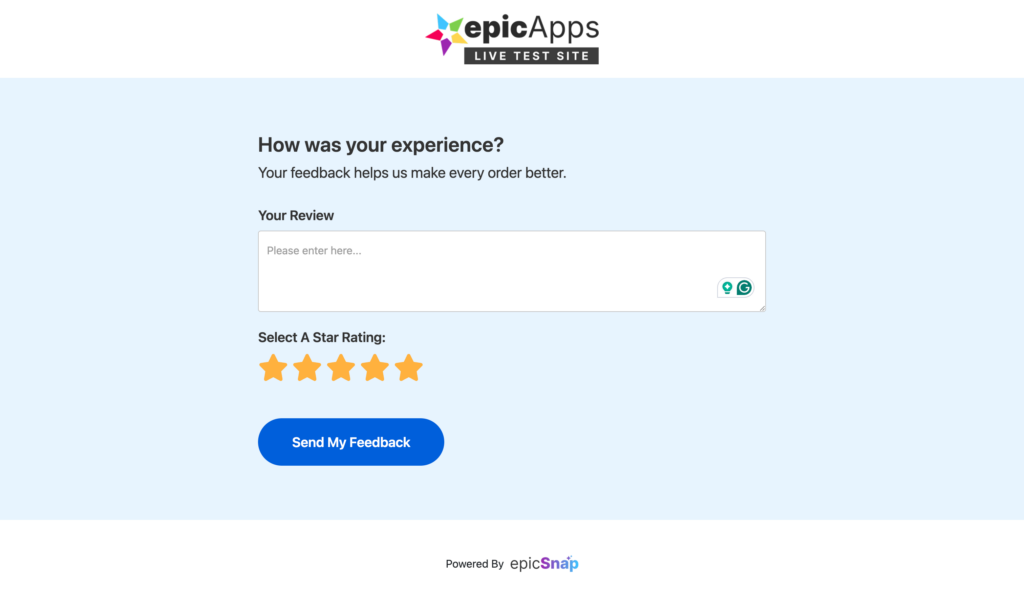
When customers click the review button in the email, they’re taken to the Rate Order Page, where they can rate their order and leave a review.
With an Order Photo
Without an Order Photo
Want to customize this page?
- Customize the messages under Messages on Review Page.
- Update the colors and branding under Settings → Design. Learn more: Design
High Rating Experience #
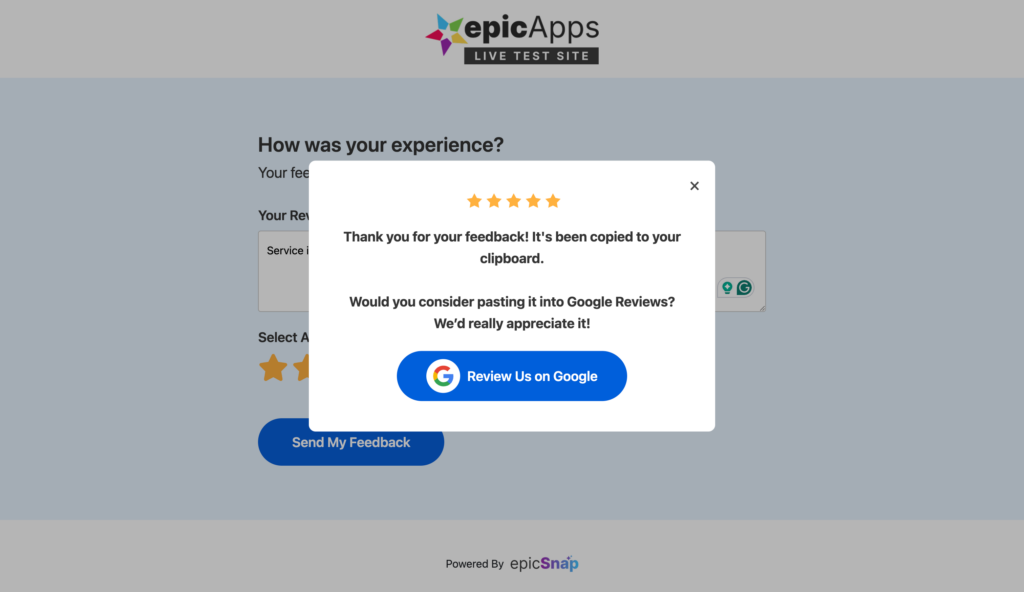
Customers who leave a 4- or 5-star rating see a thank-you message after submitting their review.
If you’ve added your Google Reviews link, they’ll also have the option to continue to your Google Business Profile and leave a Google review.
Want to customize this experience?
- Customize the thank-you message under Messages on Review Page.
- Add your Google Reviews link under Settings → General. Learn more: General Settings.
Low Rating Experience #
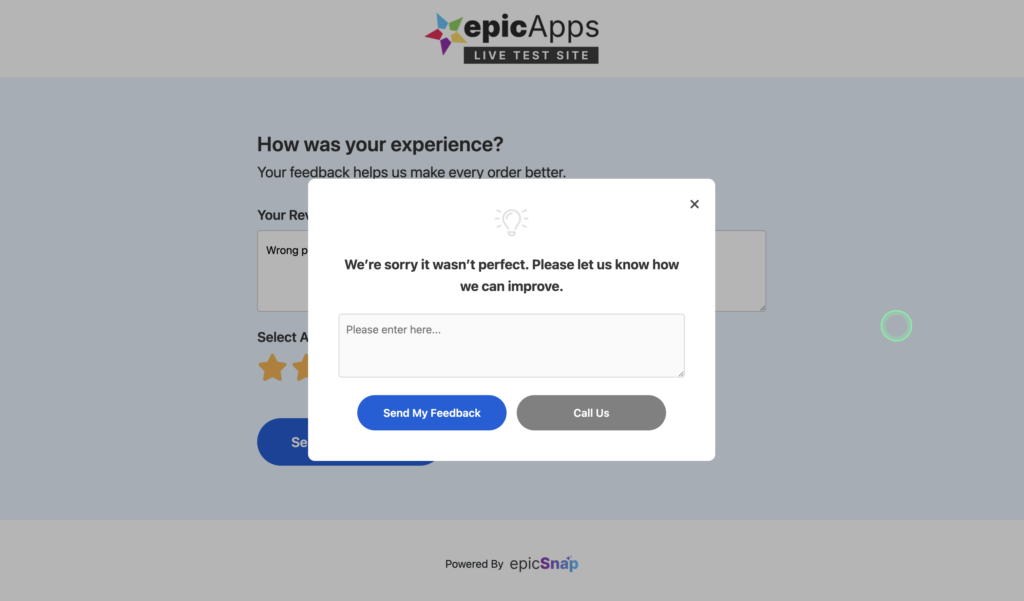
Customers who leave a 1- to 3-star rating see a different feedback message after submitting their review.
This gives you an opportunity to acknowledge their experience and encourage them to contact your business directly.
Want to customize this experience?
Learn more: Messages on Review Page
Image Reply Request #
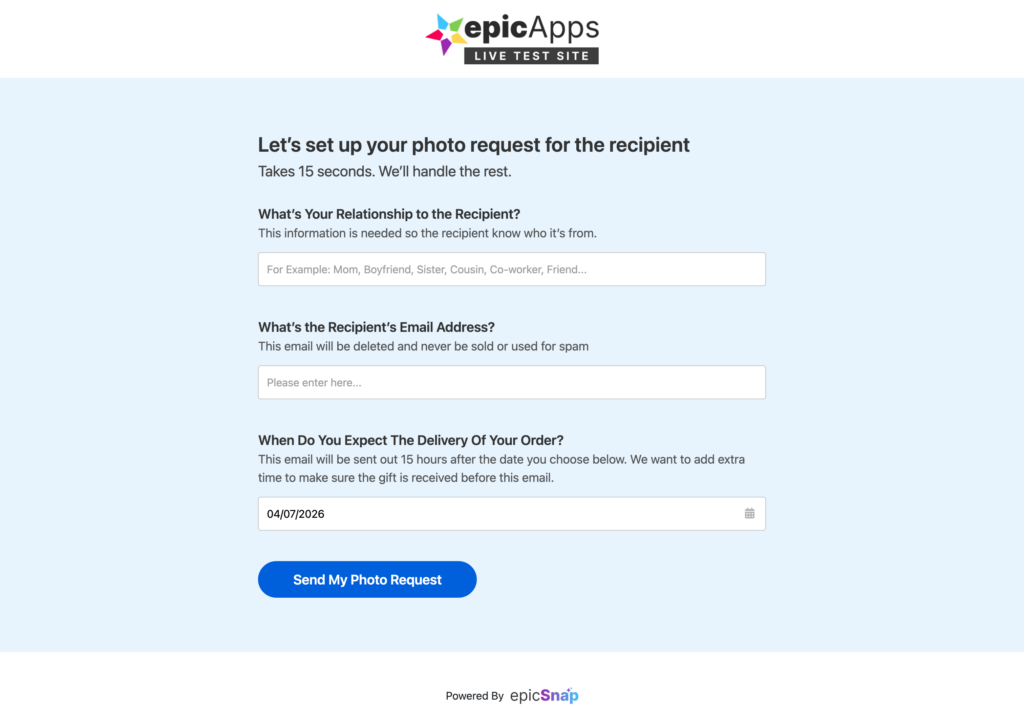
If you’ve turned on Ask the Customer if They Want an Image Reply, customers will receive an email inviting them to request a photo from the order recipient.
Image Reply Request Email
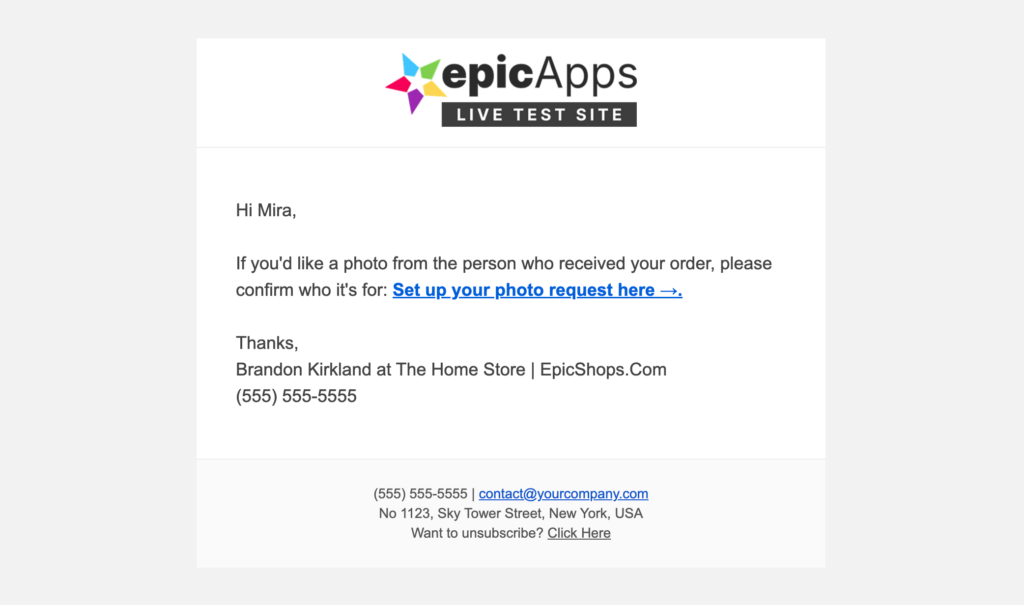
Image Reply Request Page
Want to enable this feature?
Turn on Ask the Customer if They Want an Image Reply under Settings → Setup.
Learn more: Setup
Recipient Photo Request #
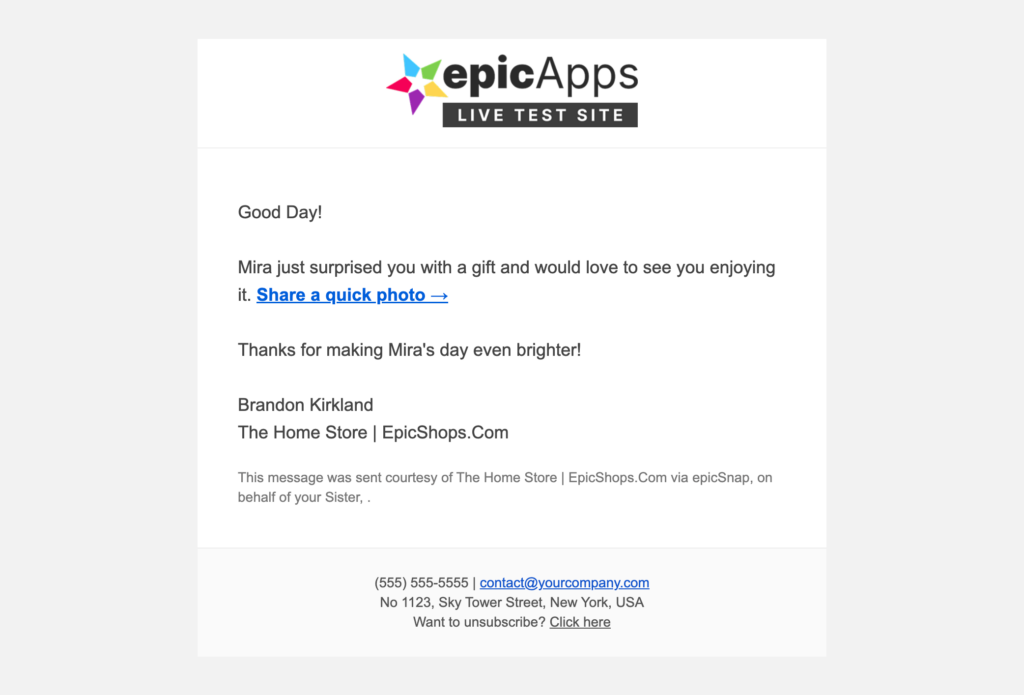
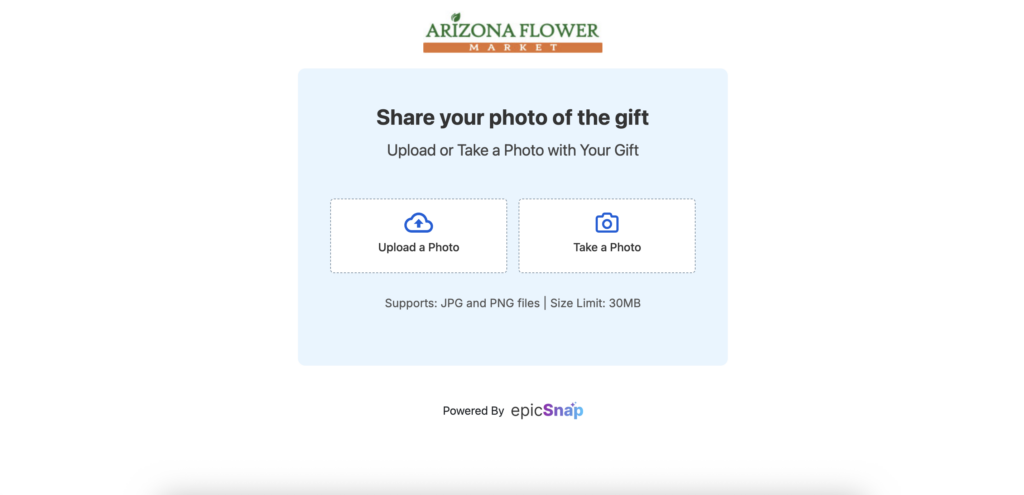
The order recipient can upload or take a photo, which is then attached to the original review request.
Recipient Photo Request Email
Recipient Photo Upload Page
Want to enable this feature?
Turn on Ask the Customer if They Want an Image Reply under Settings → Setup.
Learn more: Setup
On-Site Reviews Widget #
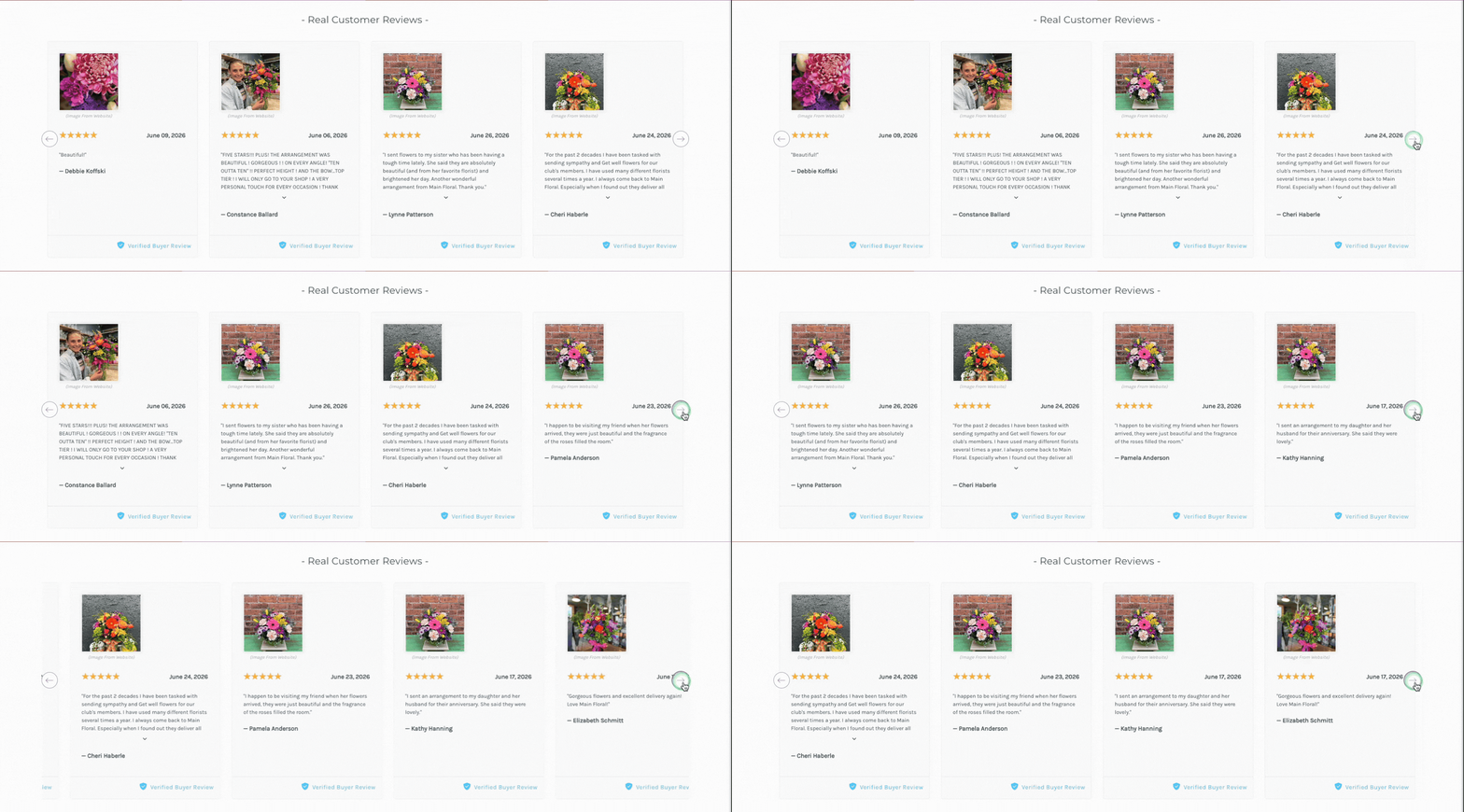
If you’ve added the epicSnap widget to your storefront, visitors can read customer reviews while browsing your products.
Want to display reviews on your store?
Learn more: On-Site Widgets
Dedicated Reviews Page #
If you’ve enabled Website Integration, customers can browse all of your reviews on a dedicated reviews page.

Want to add this page to your website?
Learn more: Website Integration
What’s Next? #
Now that you’ve seen what your customers will experience, you’re ready to test your setup before sending review requests to real customers.


